Transparent device mockups
Just the device, on a transparent background: 39 angles of iPhone, the foldable iPhone Duo, Galaxy, MacBook, iPad, Studio Display and Apple Watch, in their real colours. Add your screenshot and export a PNG that sits on any background.
Free · no sign-up · nothing uploaded
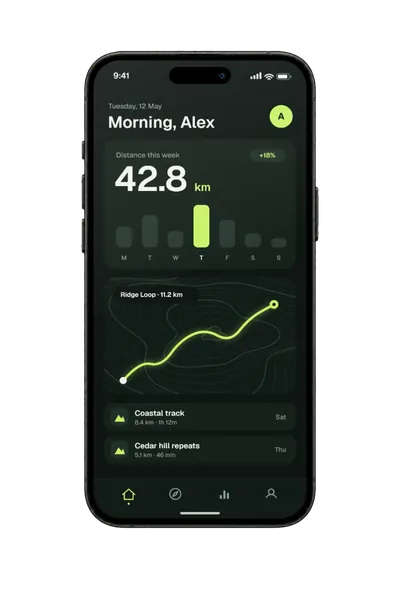
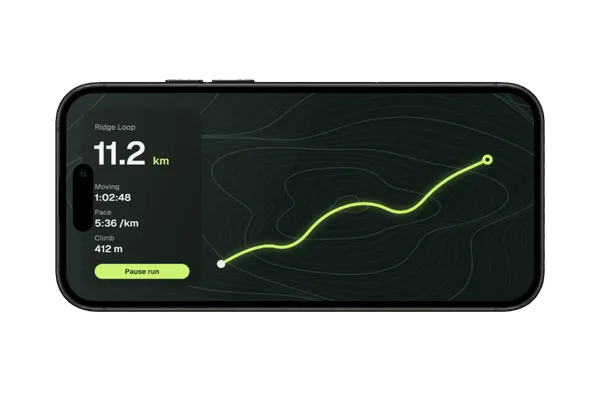
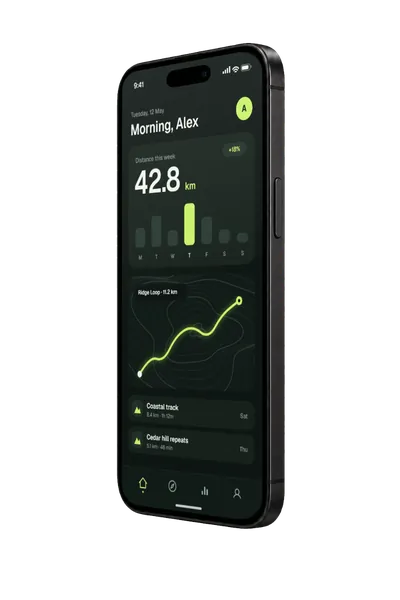
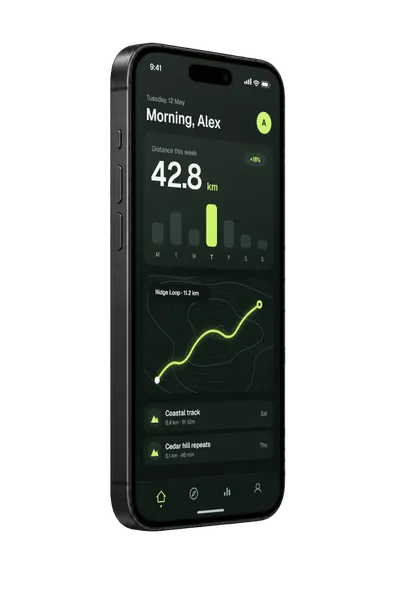
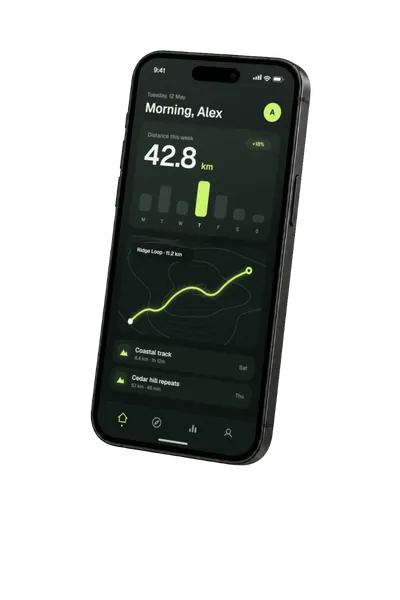
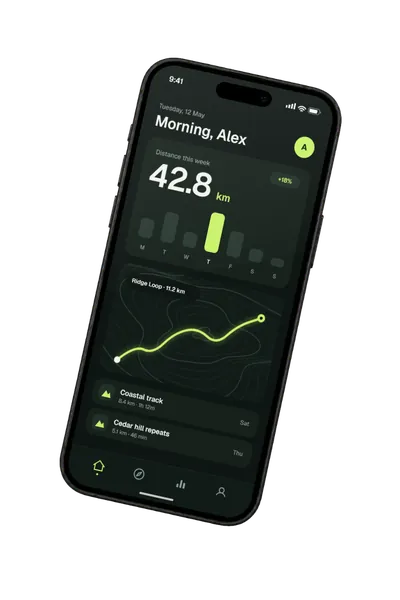
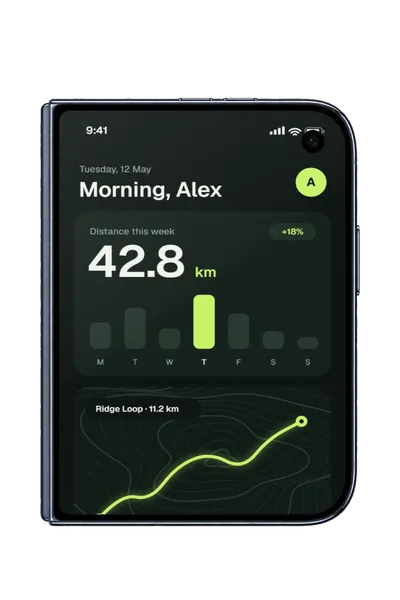
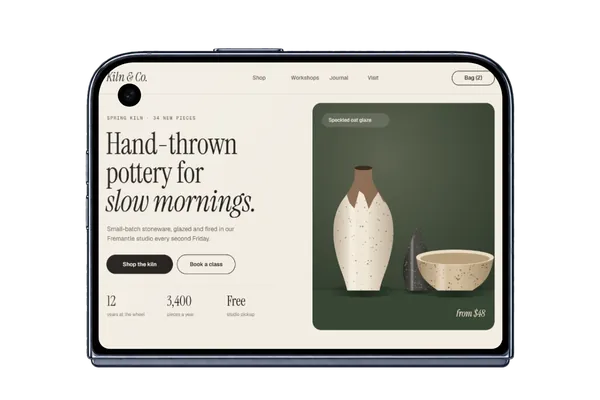
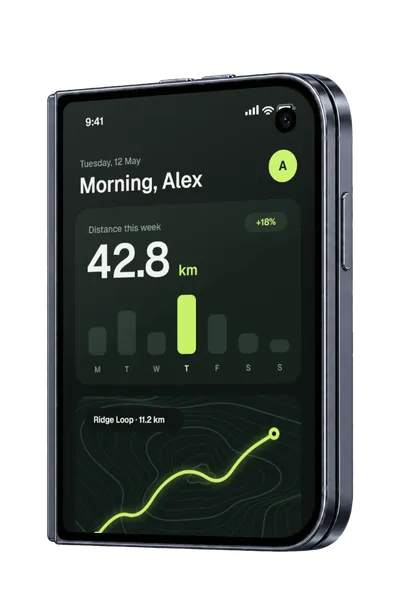
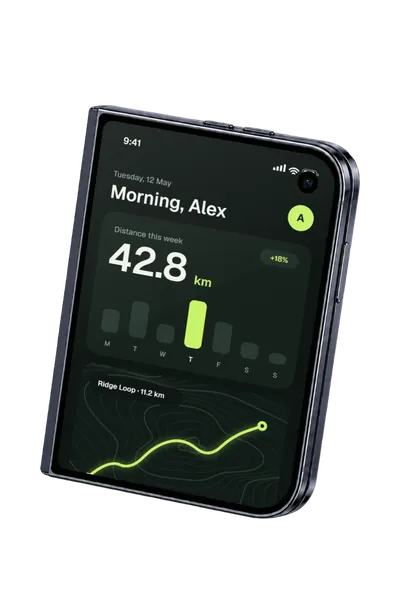
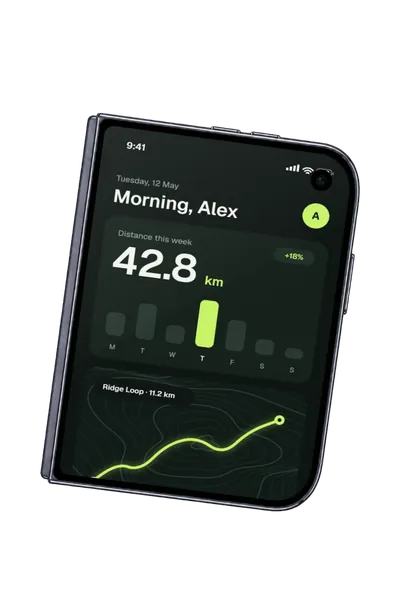
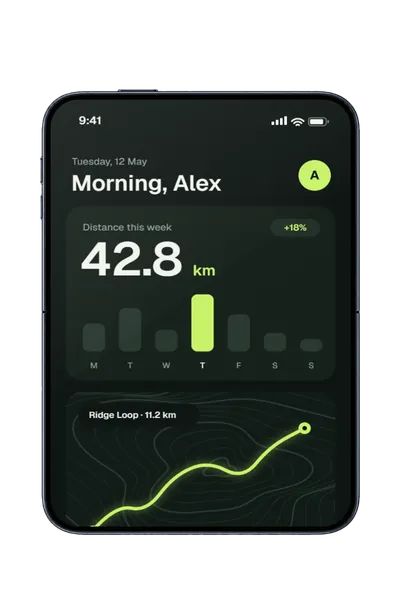
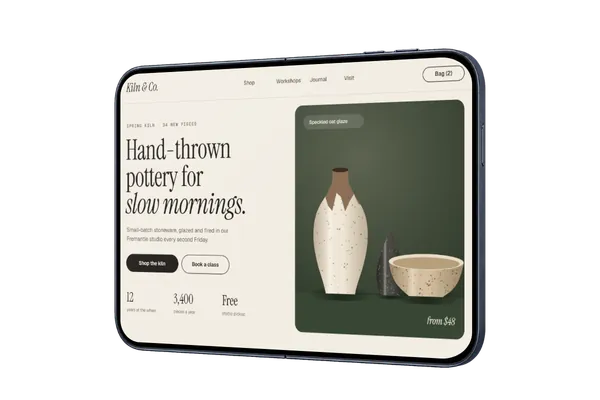
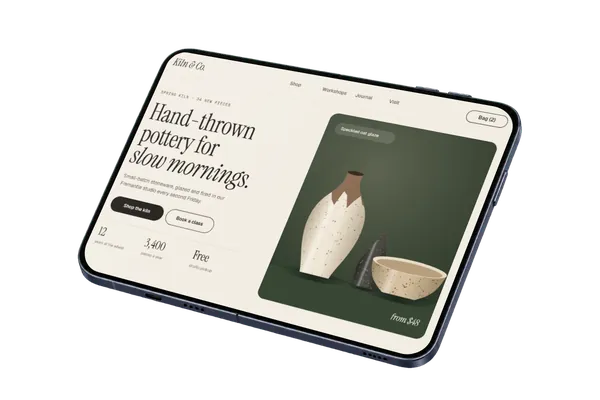
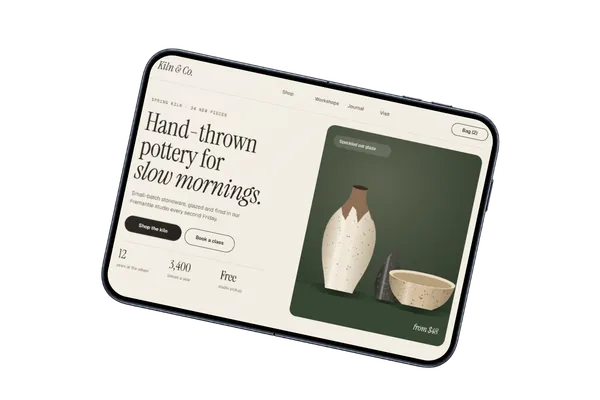
Transparent iPhone 18 Pro and iPhone Duo mockups
16 angles (the iPhone 18 Pro in Black, Silver, Burgundy, Glacier and Cosmic Orange, and the iPhone Duo in Night Sky) · All iPhone mockups → · iPhone 18 Pro → · iPhone Duo →
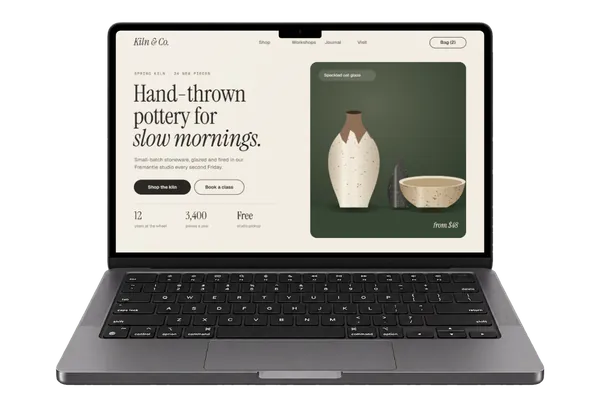
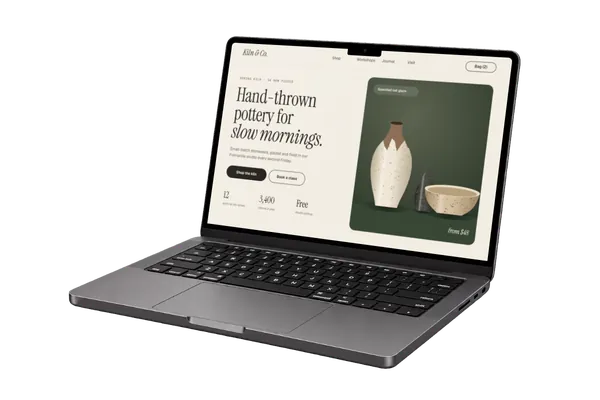
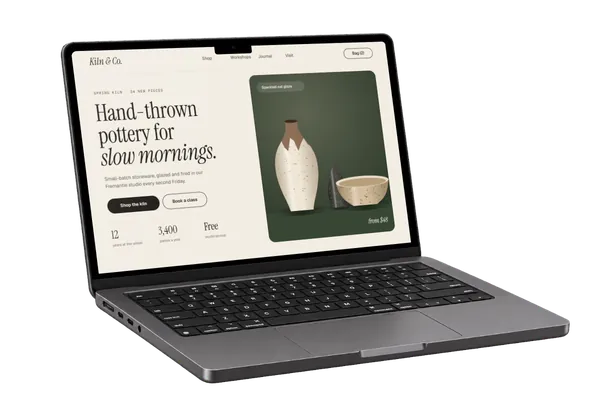
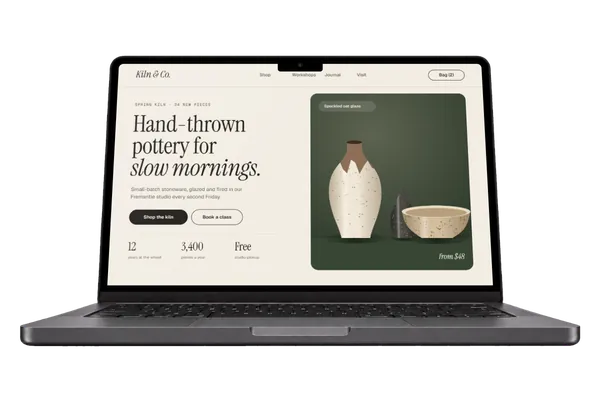
Transparent MacBook Pro mockups
4 angles in Space Black and Silver · All MacBook mockups →
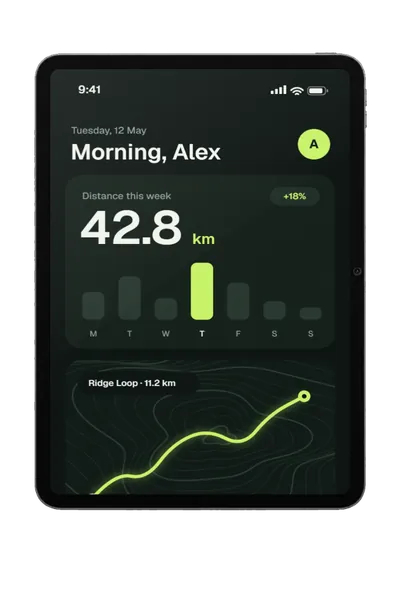
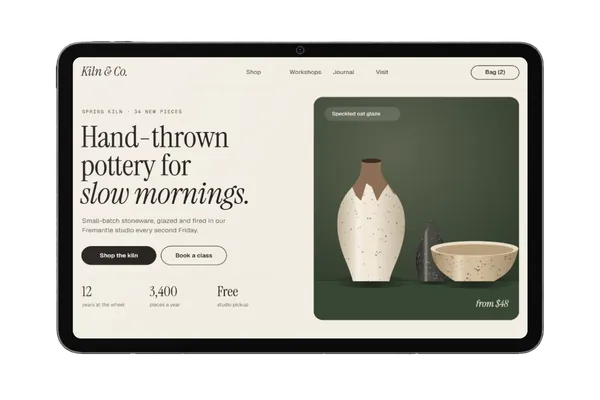
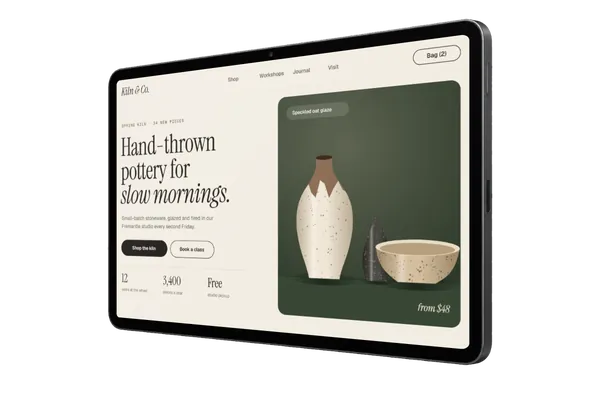
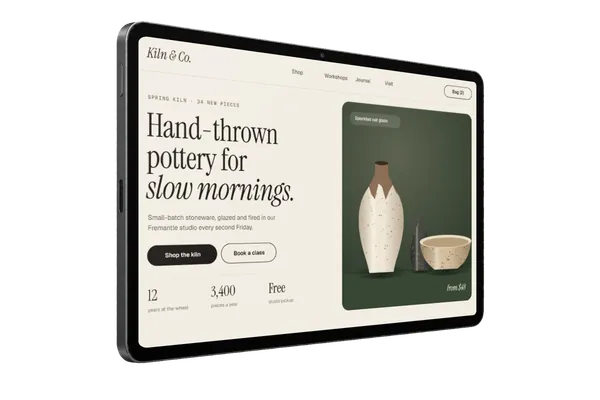
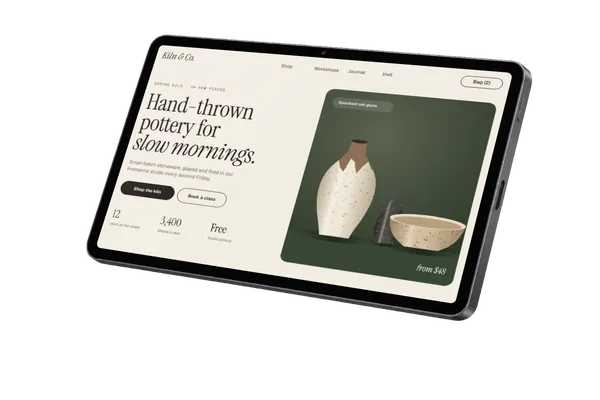
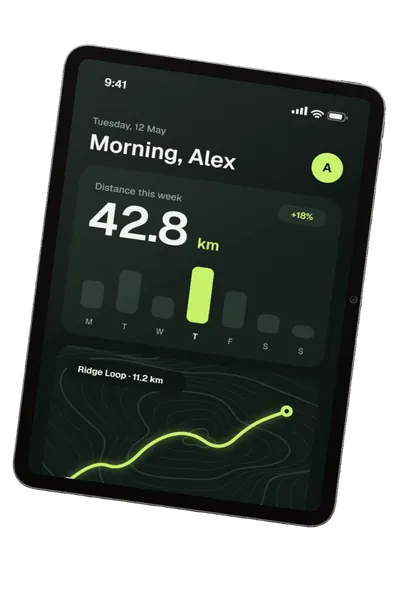
Transparent iPad Pro mockups
6 angles in Space Black and Silver · All iPad mockups →
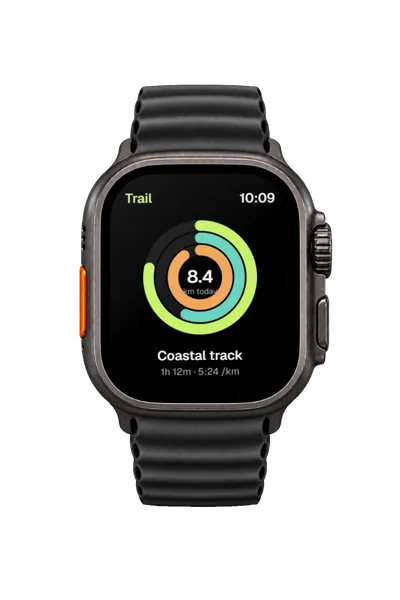
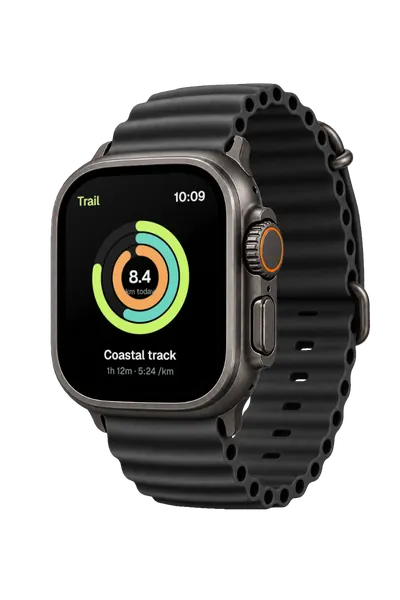
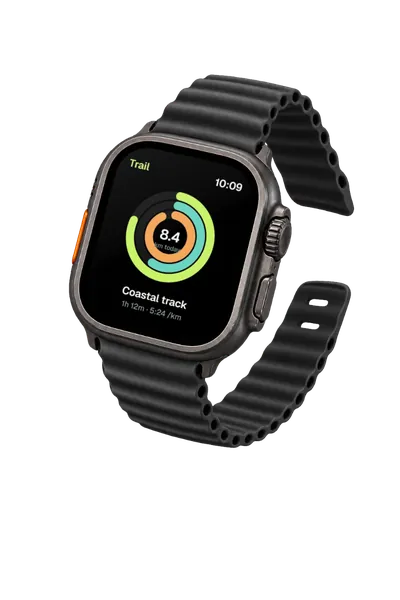
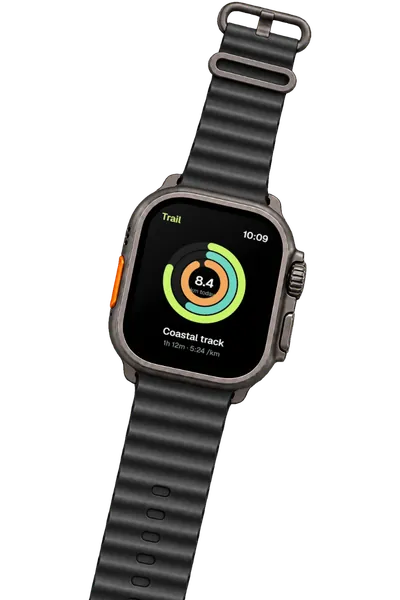
Transparent Apple Watch Ultra 4 mockups
4 angles in Black Titanium and Natural Titanium · All Apple Watch mockups →
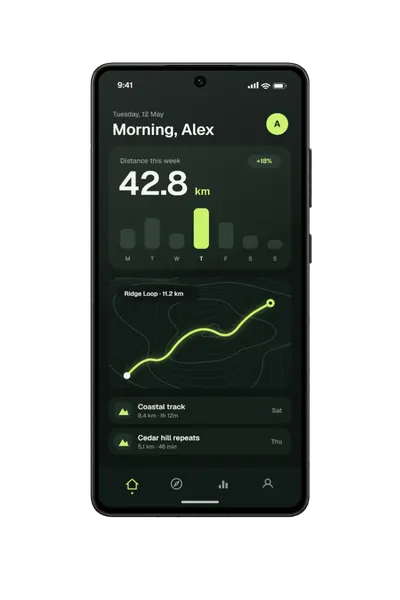
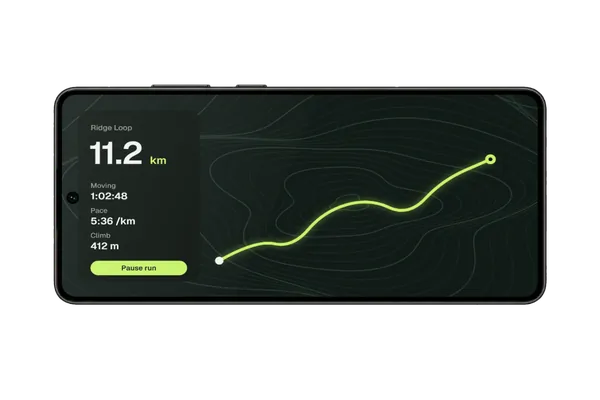
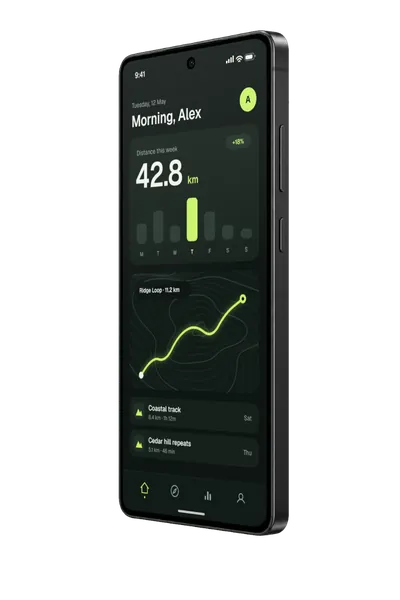
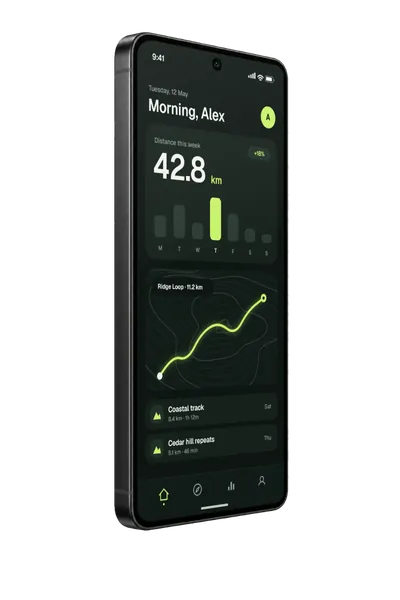
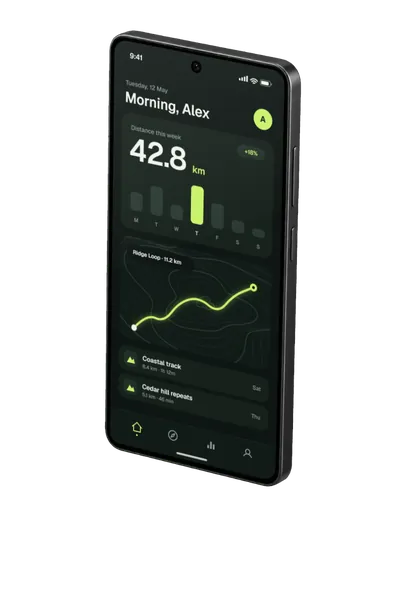
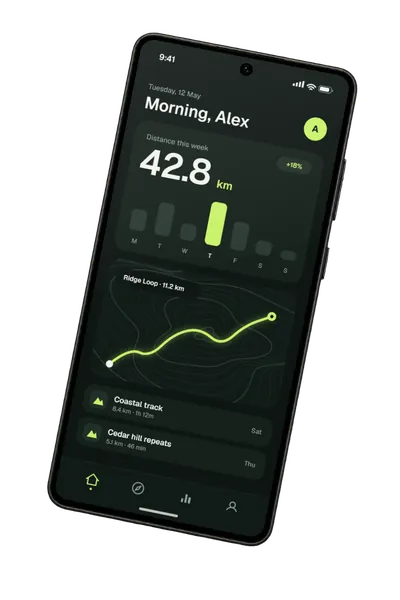
Transparent Galaxy S26 Ultra mockups
6 angles in Black, White, Cobalt Violet and Sky Blue · All Galaxy mockups →
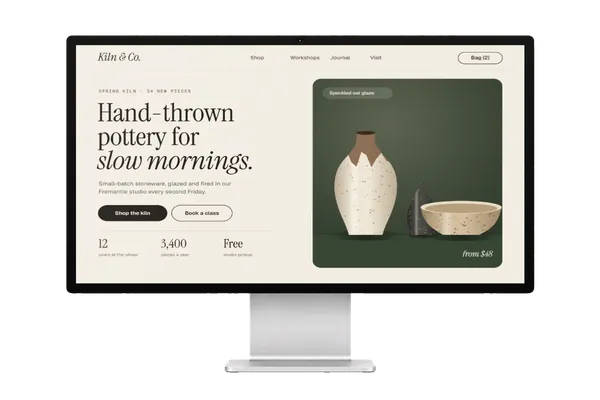
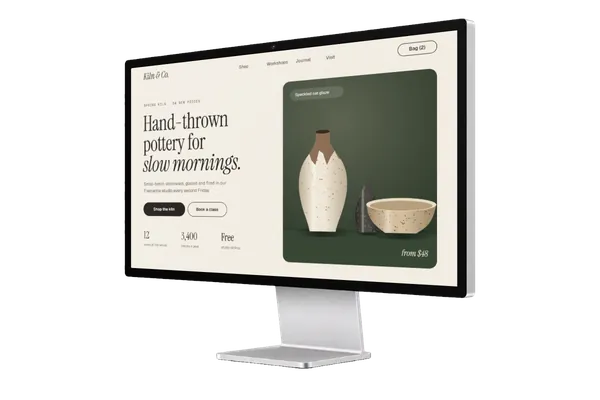
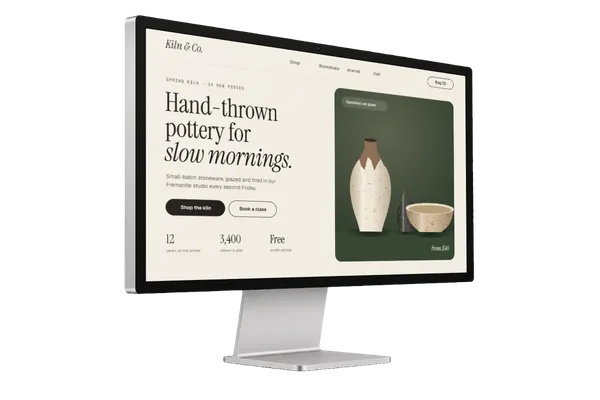
Transparent Studio Display mockups
3 angles · All Desktop mockups →
How to use a transparent mockup
- Pick an angle above, then a colour in the editor’s Colour panel. The device’s other angles follow it.
- Drop, paste or choose your screenshot. It’s fitted to the screen at the right angle, on your own device.
- Export a PNG or WebP. The background stays transparent, so the device sits on any colour, gradient or photo in Figma, Keynote, Canva or your own site.
PNG, WebP or JPG?
PNG keeps the background transparent and works everywhere. WebP is transparent too and much smaller, which suits websites. JPG can’t be transparent, so a JPG export comes out on white. Crops such as square or 4:5 add transparent space around the device rather than cutting into it.
Questions
Are these transparent mockups free for commercial use?
Yes. Every mockup and every export size is free, with no account and no watermark. The images you export are yours to use anywhere, including client work, ads and social posts, with no credit needed. Just don’t resell the blank mockup scenes themselves.
Can I change the device’s colour?
Yes. Each device comes in its real colours, like the iPhone in Black, Silver, Burgundy, Glacier and Cosmic Orange. Pick one in the editor’s Colour panel and every angle of that device follows it.
Is there a foldable phone?
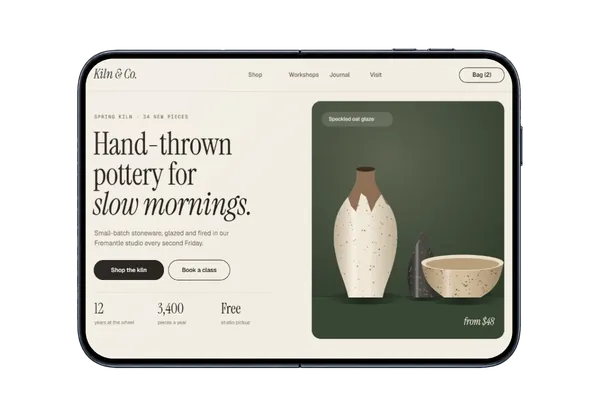
Yes. The iPhone Duo comes closed and open, in five angles each. Its screens are wider than a regular phone’s, about 5:7 closed and 7:5 open, so a design made in those shapes shows whole.
What size can I export?
Up to about 3,000 px on the long edge, as PNG, WebP or JPG. Social crops such as square, 4:5 or 16:9 add transparent space around the device rather than cutting into it.
Is my screenshot uploaded?
No. Plinth runs entirely in your browser: your screenshot is placed, rendered and exported on your own device and never sent to a server, so it’s safe for unreleased work and client projects.
Don't see the device you need? Ask for it, or vote for what's made next.