Free Figma plugin for device mockups
Plinth is a free Figma plugin that puts any frame on a photorealistic device. Select a frame, pick one of 103 mockups, transparent or in a real scene, and add it to your file at full resolution. There’s no account and no watermark, and your frame never leaves your computer.
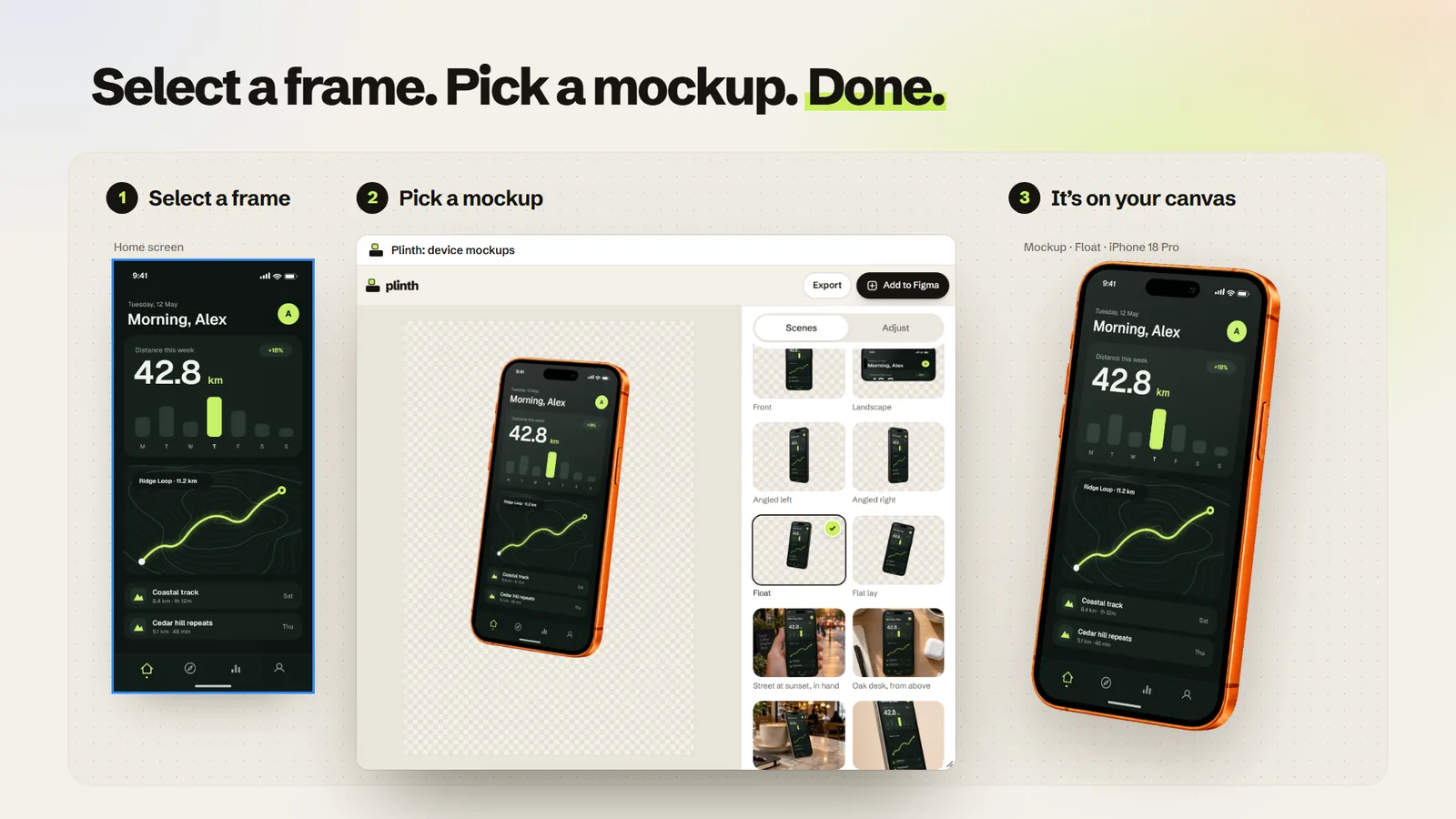
How it works
- Select a frame: an app screen, a web page or a watch face.
- Run Plinth and pick a mockup. If it would crop your frame, Plinth says which ones fit. Select another frame and your mockup stays put, so a whole flow can go through the same device.
- Click Add to Figma. The full-resolution mockup is placed beside your frame as a sharp 2× image.
Just the device, or a real room
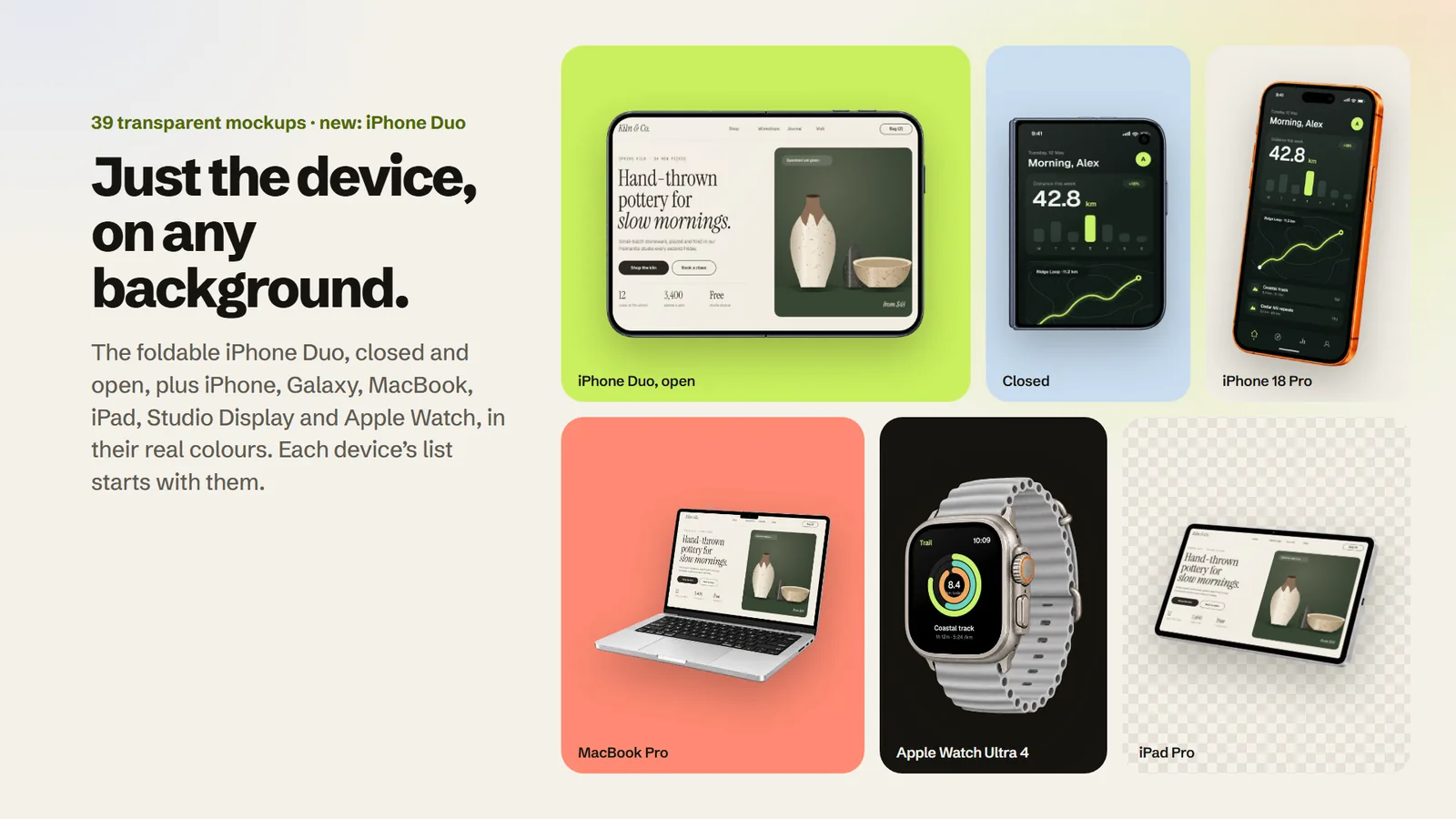
Each device’s list starts with its transparent mockups, from the new foldable iPhone Duo, closed and open, to the Apple Watch Ultra, in real colours and ready for your own background. After them come the photorealistic scenes: in hands, on desks and in studios.
Move and resize your design
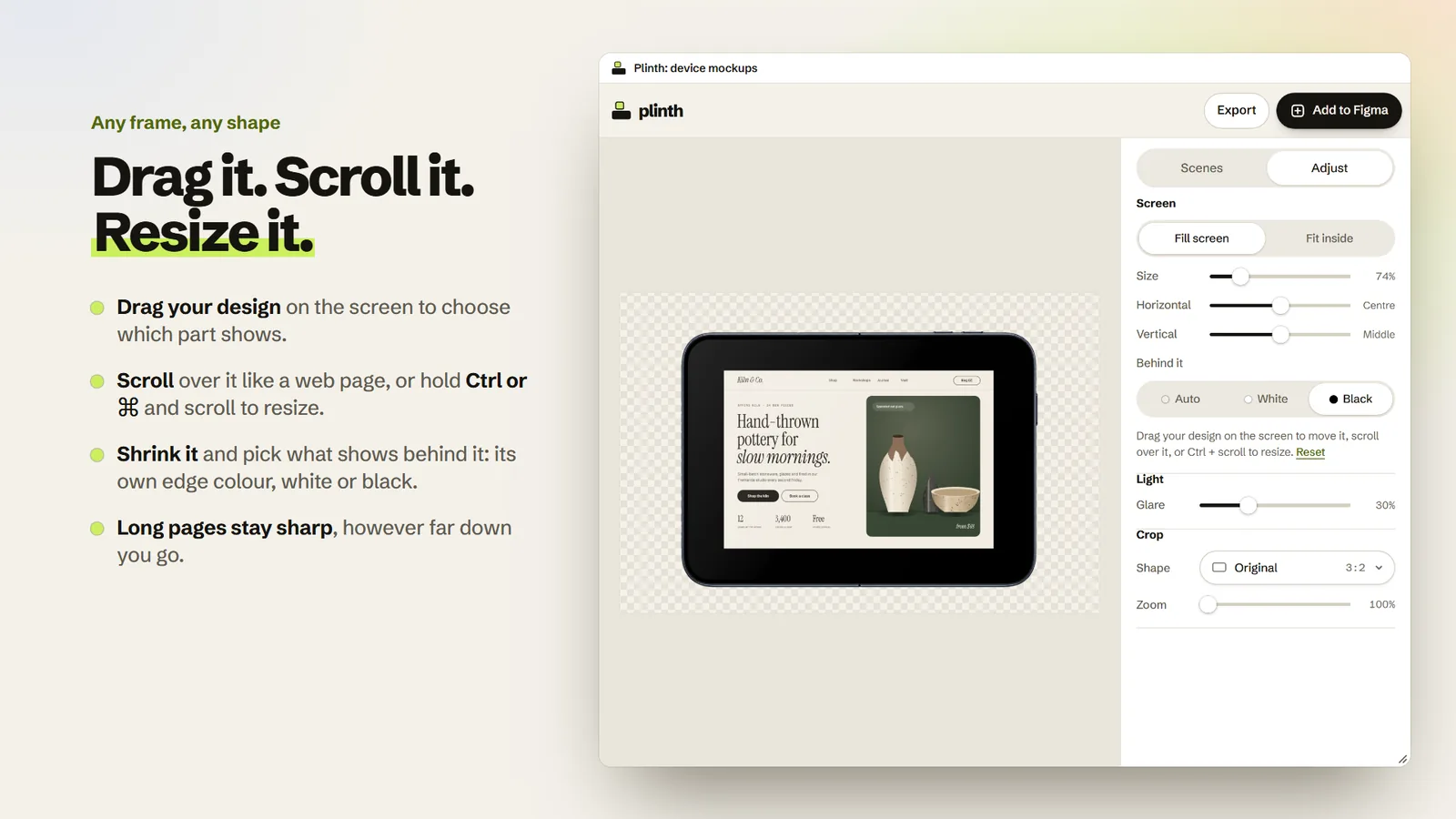
A frame that’s too long, or not quite the screen’s shape? Drag it on the screen, scroll it like a web page, or hold Ctrl or ⌘ and scroll to resize it. Shrink it and choose what shows behind it: its own edge colour, white or black. Long pages stay sharp, too.
A window made for seeing your work
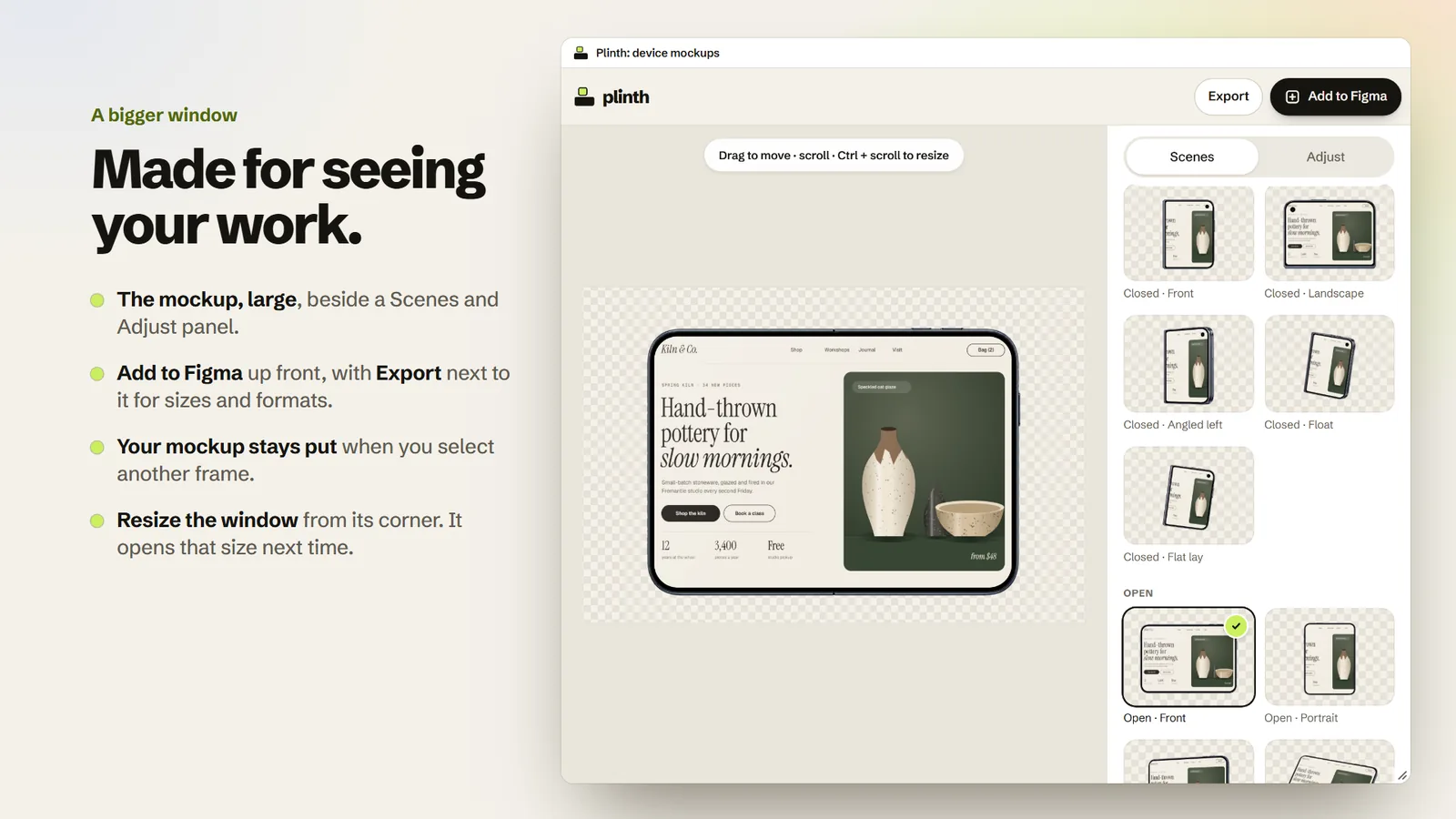
The mockup sits large beside its Scenes and Adjust panel, with Add to Figma up front and Export next to it for sizes and formats. Resize the window from its corner, and it opens that size next time.
Looks real, not pasted on
Plinth matches each scene’s lighting, adds adjustable screen glare, cuts in the notch, Dynamic Island or camera, and can draw a clean iOS or Android status bar. Edit your frame and the preview follows.
Private by design
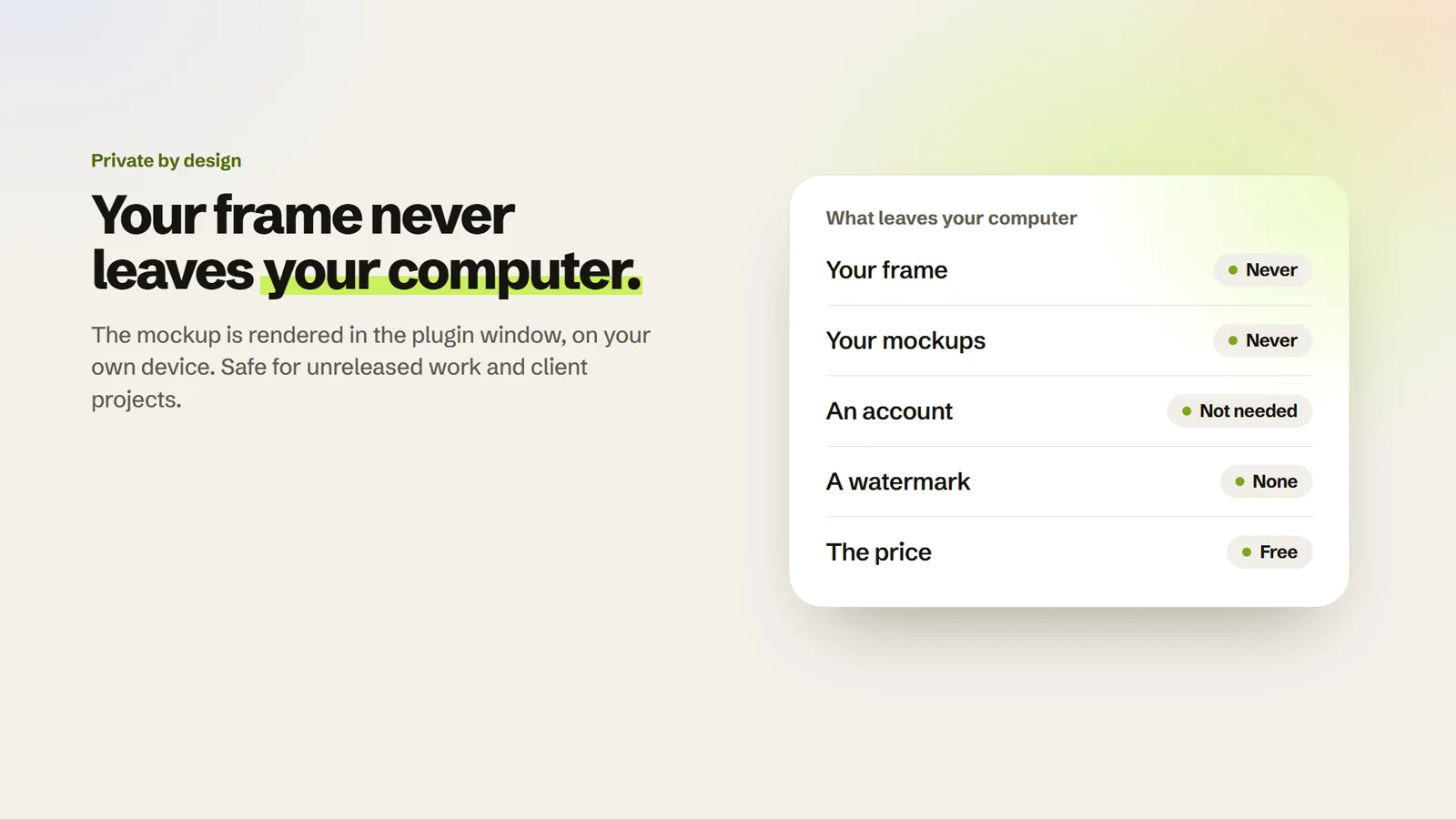
The plugin’s window is the Plinth editor, running on your own computer. Your frame goes from Figma into that window and the mockup comes back, without passing through anyone’s server. The privacy policy has the details.
Questions
Is the Figma plugin free?
Yes. Every mockup and every export size is free, with no account and no watermark, in Figma and in the browser. It works on free and paid Figma plans, in any file you can edit.
Does it upload my designs?
No. Your frame is rendered into a mockup inside the plugin window on your own computer and placed straight back into your file. Neither the frame nor the mockup is sent to a server. Here’s how to check.
Which devices and sizes?
103 mockups with iPhone, the foldable iPhone Duo, Samsung Galaxy, MacBook Pro, iPad Pro, Studio Display and Apple Watch, on their own with a transparent background or in real settings. Add them at full resolution (about 3,000 px on most, up to 4,000 px on the watches), or export JPG or PNG in the mockup’s own shape or a social crop.
How do I install it?
Open the plugin’s page on Figma Community and run it from there, or search for “Plinth” in Figma’s plugin menu. It works in Figma’s desktop app and in the browser.
Does it need an internet connection?
Yes, to open. Its window is the Plinth editor, loaded from plinthmockups.com, and Figma lists it as having restricted network access because that’s the only address it can reach. Your frame goes into that window on your own computer, not to the address.
How it compares with other Figma plugins
This is Plinth’s own page, so read it with that in mind. Each name links to the page the facts came from. Plinth’s weak spots: far fewer mockups than the paid libraries, one device at a time, and still images only.
| Plugin | Price | What you get | Pick it if |
|---|---|---|---|
| Plinth | Free: every mockup and export. No account | 103 photorealistic mockups, in scenes or transparent, rendered on your own computer | You want realistic mockups at no cost, with your frame kept on your computer |
| Angle Mockups | Free to install. The full library is $79 | 7,600+ vector device mockups for Figma, Sketch and XD, applied in perspective | You want a huge range of vector device frames |
| Mockuuups Studio | Free to install, with a small free collection. Paid plans for the full library | 5,200+ scenes, a built-in editor, and one click to update a placed mockup when your design changes | You want the widest choice of scenes, and paying is fine |
| Rotato | The plugins are free. One needs Rotato for Mac, which has paid plans from $79 | Real 3D devices at 4K and exploded layers, plus animation and video through the Mac app | You want 3D rotation, exploded views or video, which Plinth doesn’t do |
| Bezel | Free | A simple device frame drawn around your frame, in preset colours or any hex. Not photorealistic | You want a quick, plain frame as part of your layout |
Checked on each product’s own page and its Figma listing on 4 November 2026. Prices and features change, so check before you decide. Angle, Mockuuups Studio, Rotato and Bezel belong to their owners, and Plinth has no connection with them.