Free app screenshot mockups
Drop in a screenshot of your app and see it on a photorealistic iPhone, Samsung Galaxy, foldable iPhone Duo, iPad or Apple Watch. It’s placed on the screen straight away, with the Dynamic Island or camera cut in and a clean status bar if you want one.
Free · no sign-up · nothing uploaded
Just the device
For your own layout: the background stays see-through when you export a PNG or WebP. All transparent mockups →
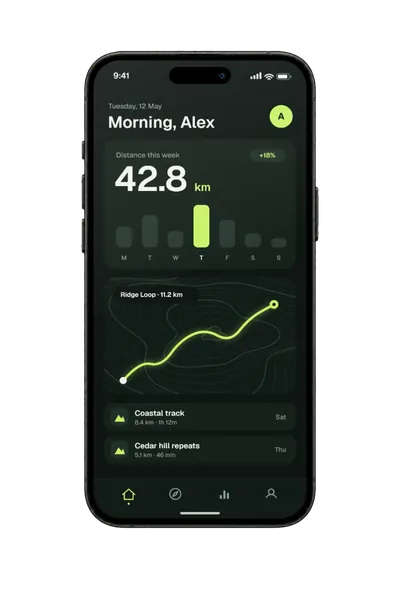
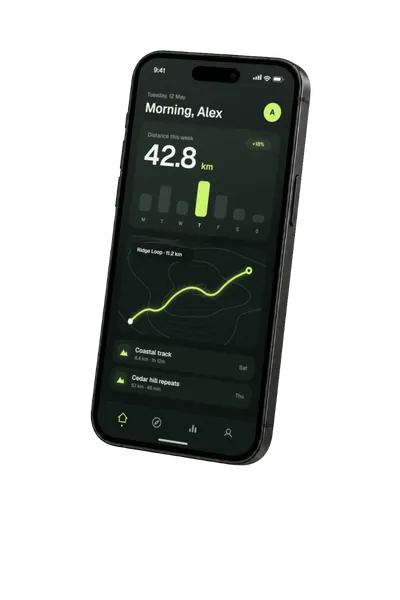
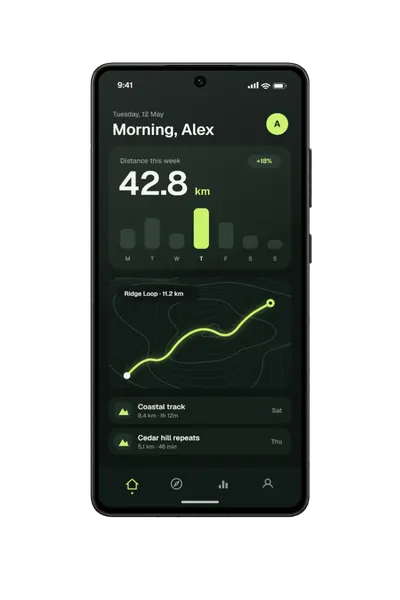
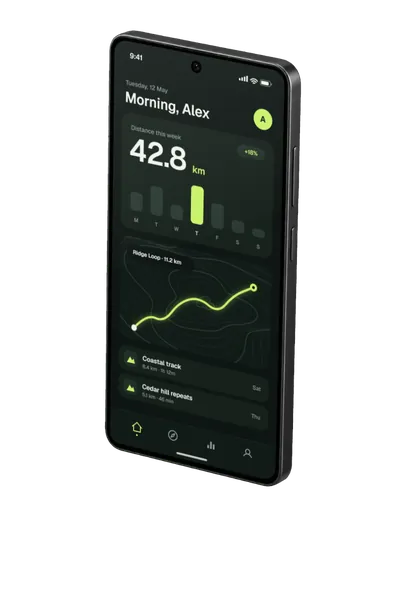
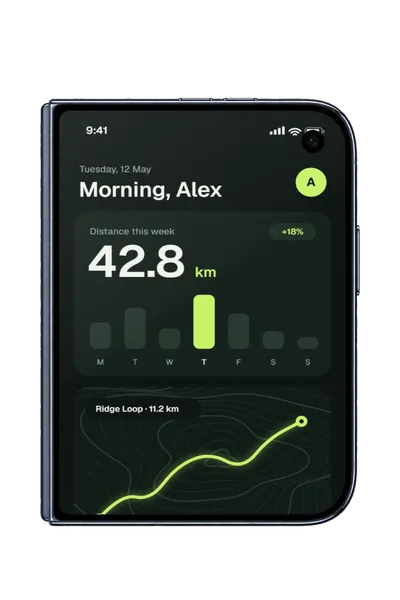
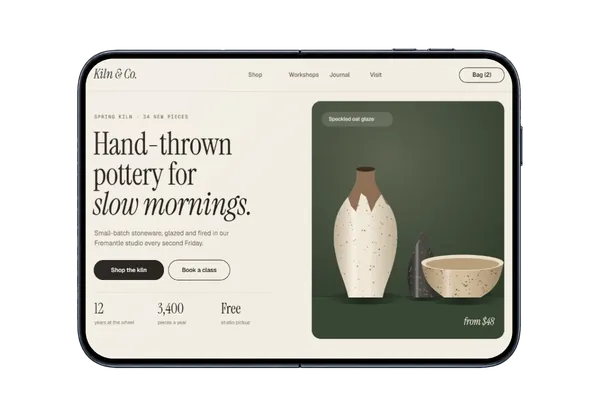
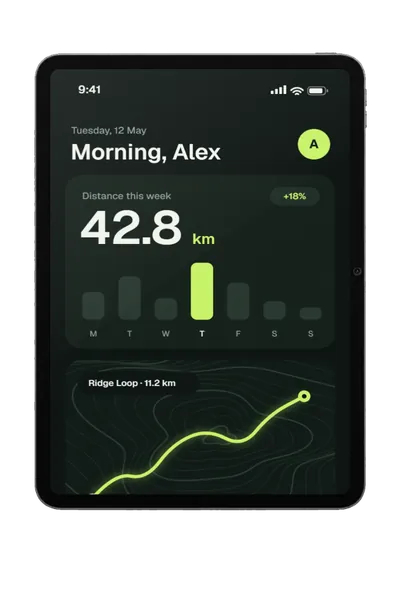
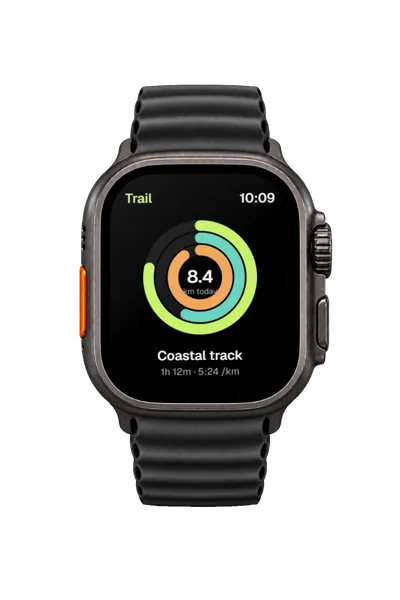
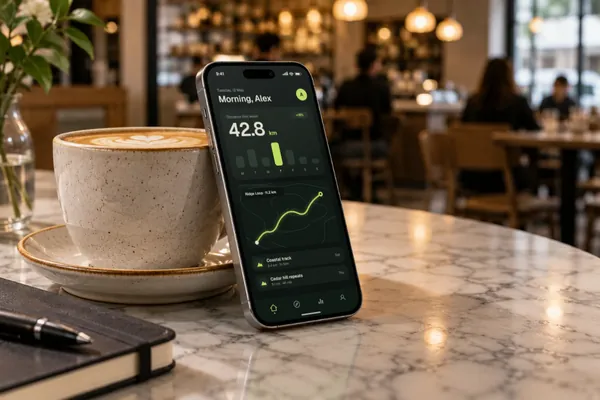
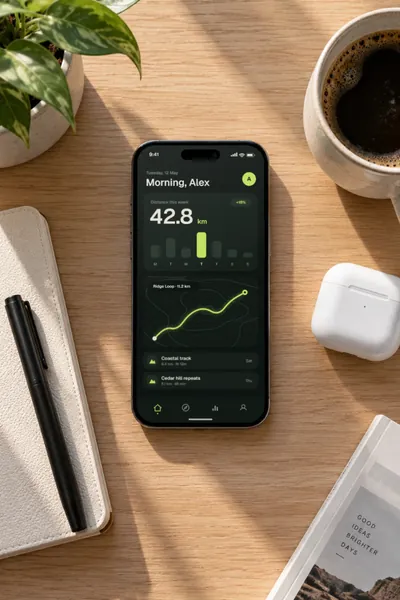
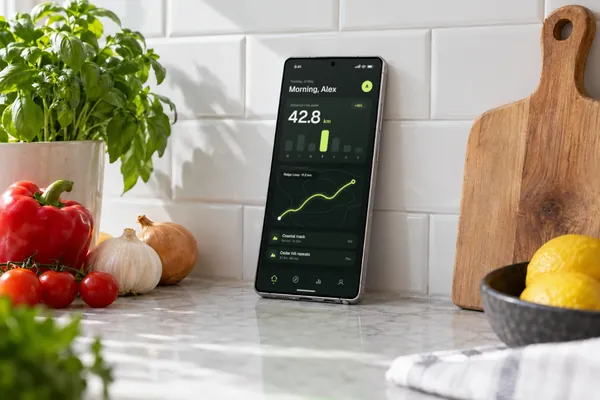
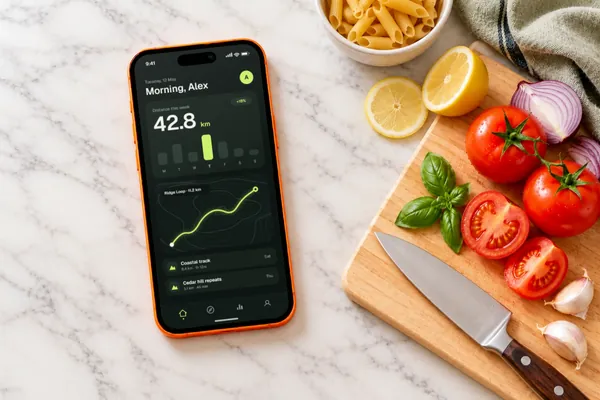
In a real setting
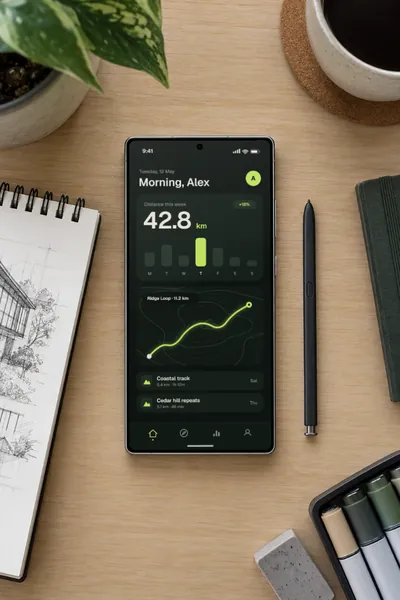
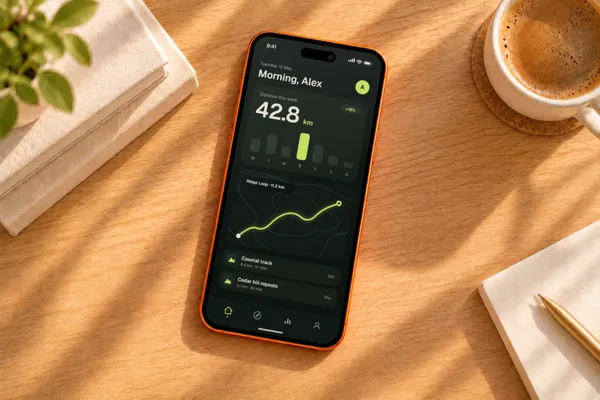
Phones on desks, café tables and kitchen benches, each with its screen mapped in advance. There’s more on the iPhone and Galaxy pages, and in the hand.
Which mockup for which screenshot
These sizes fit without cropping. Any other size works too: it fills the screen, and the editor says if part of it is cut off.
| Screenshot from | Use | Sizes that fit |
|---|---|---|
| iPhone | iPhone 18 Pro or Pro Max | 1179 × 2556, 1206 × 2622, 1290 × 2796, 1320 × 2868 |
| Android phone | Galaxy S26 Ultra | 1080 × 2340, 1080 × 2400, 1440 × 3120 |
| A game or landscape screen | The iPhone or Galaxy landscape mockups | The same sizes, on their side |
| Foldable, or a wider layout | iPhone Duo | 1000 × 1400 closed, 1400 × 1000 open |
| iPad | iPad Pro | 1668 × 2388, 2048 × 2732, 2064 × 2752 |
| Apple Watch | Series 12 or Ultra 4 | 368 × 448, 396 × 484, 410 × 502, 416 × 496 |
- DevicesiPhone 18 Pro, Galaxy S26 Ultra, iPhone Duo, iPad Pro, Apple Watch Ultra 4 and iPhone 18 Pro Max
- Mockups6 in real scenes and 8 transparent here, out of 103 in all
- PriceFree, including commercial use. No account, no watermark
- PrivacyYour screenshot never leaves your browser. Check it yourself
- ExportsJPG, PNG or WebP in three sizes, up to about 3,000 px; in the scene’s own shape or cropped for an Instagram post (4:5), a square, a story (9:16), a 16:9 slide, a link preview (1.91:1) or Dribbble (4:3)
Make the screenshot look its best
Turn on the clean status bar to replace a messy real one with 9:41 and full signal and battery. Drag your design on the screen, scroll it like a page, or hold Ctrl or ⌘ and scroll to resize it. If it’s a different shape from the screen, Fit inside shows the whole thing with its own edge colour, white or black behind it.
Where these get used
Landing pages, launch posts, pitch decks, press kits, case studies and social posts. When you export, you can also tick the other crops to get a ZIP with a square, an Instagram post, a story, a 16:9 slide and a link preview all at once.
What it doesn’t do
Plinth isn’t an App Store screenshot builder. It doesn’t add captions, backgrounds or sets of screens, and its exports aren’t sized for store listings. It makes the picture of your app on a device. If you’re building store screenshots, a transparent mockup can go into your own layout, but check Apple’s and Google’s current rules first.
How it works
- Pick a mockup above, or open Plinth and add your screenshot first.
- Drop, paste or choose your screenshot. It’s on the screen straight away.
- Tidy it up if you like, then export a JPG, PNG or WebP.
Questions
Is this free for commercial use?
Yes. Every mockup and every export size is free, with no account and no watermark. The images you export are yours to use anywhere, including client work, ads and social posts, with no credit needed. Just don’t resell the blank mockup scenes themselves.
Is there a watermark?
No, on every mockup and every export size, and you don’t need an account.
Can I use a simulator or emulator screenshot?
Yes. Screenshots from the iOS Simulator or Android Emulator are the same sizes as the real device’s, so they fit in the same way.
Can I use a Figma frame?
Yes. Export it as a PNG and drop it in, or use the Figma plugin to work on the frame straight from your file.
Can I use these in my App Store listing?
Plinth’s exports aren’t made for store listings. Apple and Google each set their own size and content rules, so check those before you upload anything. Most people use these mockups around the listing: on a landing page, in launch posts and in pitch decks.
Is my app screenshot uploaded anywhere?
No. Plinth runs in your browser, so your screenshot is placed, rendered and exported on your own device and never sent to a server. Here’s how to check.
Don't see the device you need? Ask for it, or vote for what's made next.