Free hand-holding phone mockups
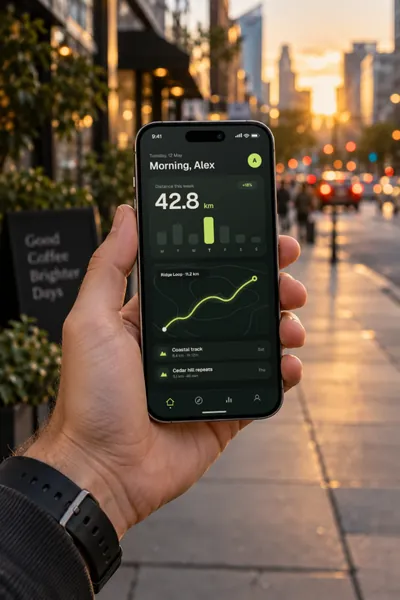
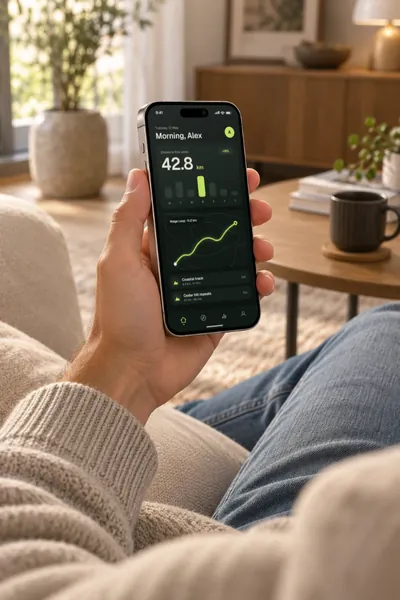
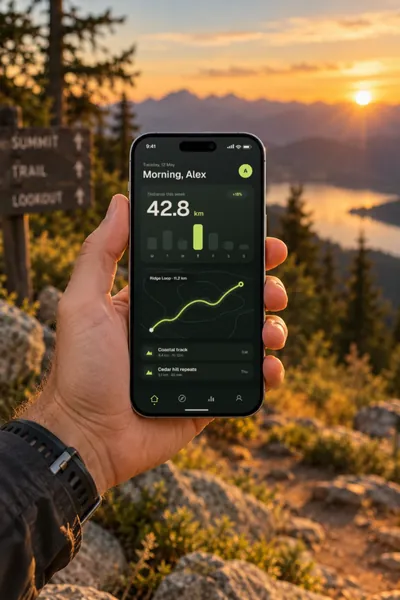
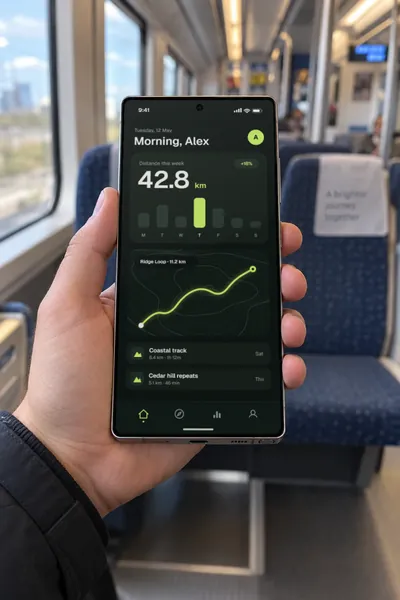
Show your app on a phone in someone’s hand: on a street at sunset, on a sofa, on a train or at a café. There are 10 phone scenes, on the iPhone 18 Pro, the Samsung Galaxy S26 Ultra and the foldable iPhone Duo, in one hand or two. Drop in a screenshot and export in seconds.
Free · no sign-up · nothing uploaded
Held upright
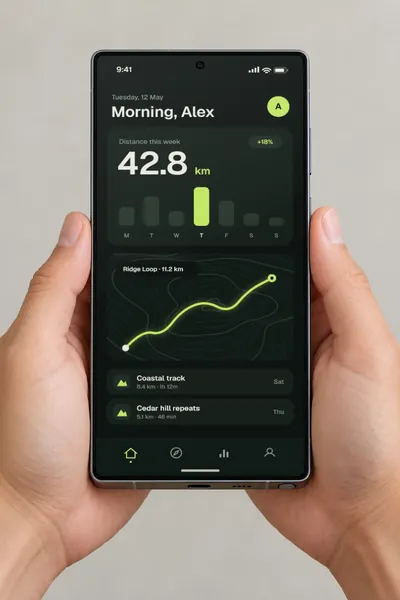
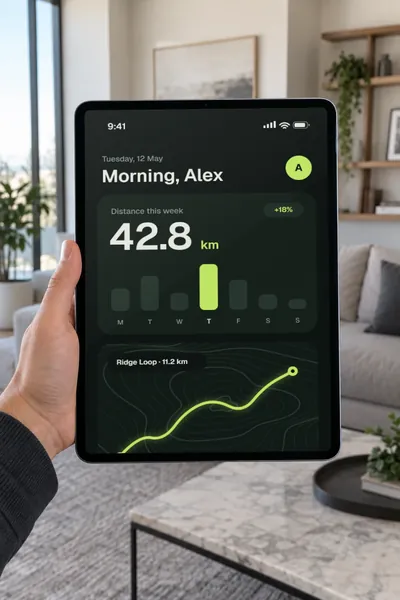
An iPhone 18 Pro in one hand, a Galaxy S26 Ultra in one hand or two, and an iPad Pro held up in a living room.
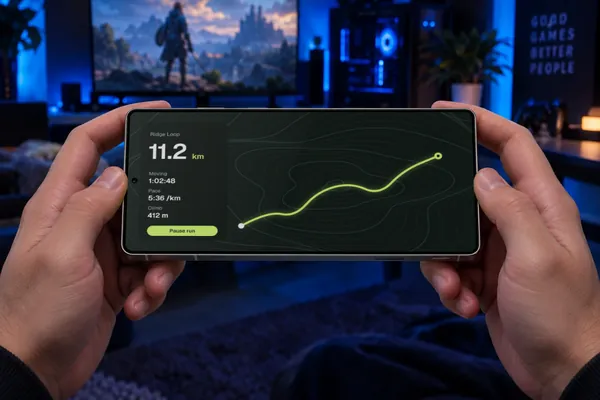
Foldable, and on its side
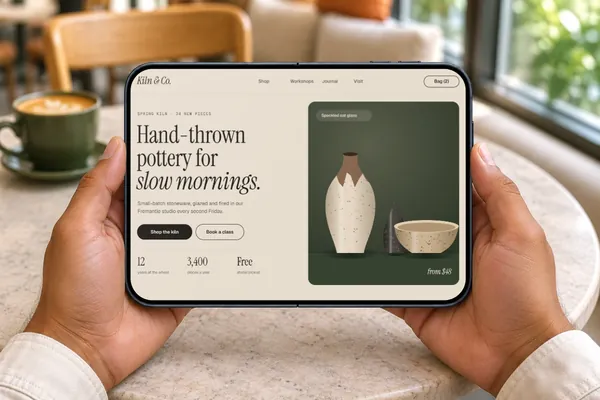
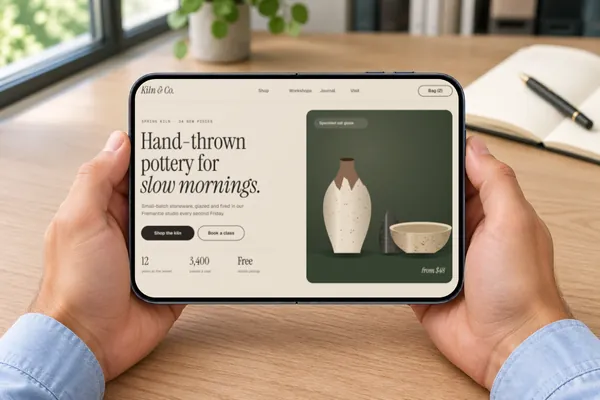
The iPhone Duo, open in two hands and closed in one, and a Galaxy held sideways for a game.
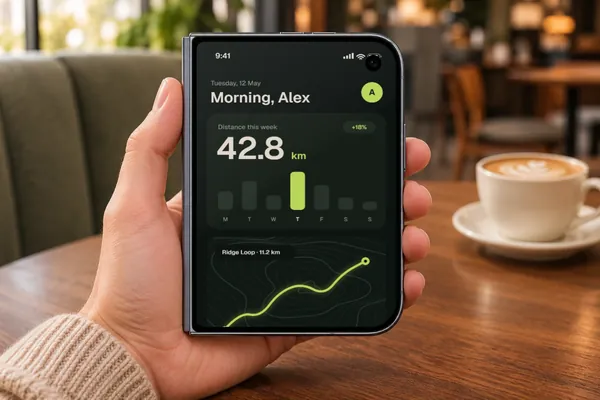
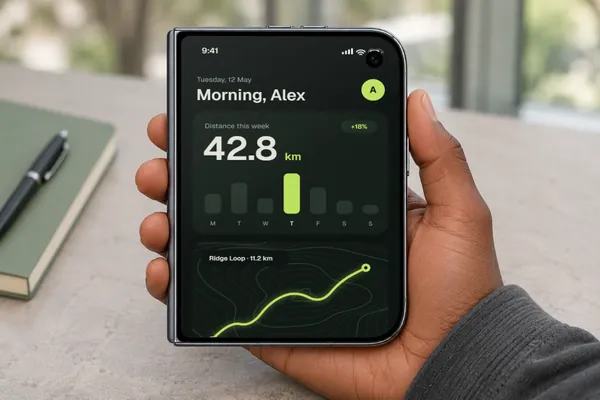
- DevicesiPhone 18 Pro, Galaxy S26 Ultra, iPad Pro and iPhone Duo
- Mockups11 in real scenes here, out of 103 in all
- PriceFree, including commercial use. No account, no watermark
- PrivacyYour screenshot never leaves your browser. Check it yourself
- ExportsJPG, PNG or WebP in three sizes, up to about 3,000 px; in the scene’s own shape or cropped for an Instagram post (4:5), a square, a story (9:16), a 16:9 slide, a link preview (1.91:1) or Dribbble (4:3)
Which one to pick
- Travel, fitness and outdoor apps: Street at sunset or Mountain trail.
- Reading, shopping and streaming: Sofa.
- News, transport and everyday apps: Train.
- A clean layout with nothing competing: Two hands, on a plain background.
- Work and productivity apps: the iPhone Duo closed or open at a desk.
- Games: the Galaxy on its side.
When a hand helps, and when it doesn’t
A hand shows scale and real use, so it suits a hero image, a launch post or the opening of a case study, where you want the app to feel lived with. It also takes up room and brings a setting of its own. For a row of screens or a tight layout, a transparent mockup is usually easier to work with.
Screenshot sizes that fit
On the iPhone scenes, any full-height iPhone screenshot fits without cropping, such as 1179 × 2556 or 1206 × 2622. On the Galaxy scenes, 1080 × 2340 or 1440 × 3120 fits, and the gaming scene takes a landscape screenshot. The iPhone Duo’s screens are wider, about 5:7 closed and 7:5 open, so 1000 × 1400 and 1400 × 1000 fit exactly.
How it works
- Pick a scene above. It opens in the editor.
- Drop, paste or choose your screenshot. It’s placed on the phone’s screen straight away, at the angle of the hand and in the scene’s light.
- Export a JPG, PNG or WebP, in the scene’s own shape or a social crop.
Questions
Are these hand-holding mockups free for commercial use?
Yes. Every mockup and every export size is free, with no account and no watermark. The images you export are yours to use anywhere, including client work, ads and social posts, with no credit needed. Just don’t resell the blank mockup scenes themselves.
Can I change the hand?
No. The hands are part of each scene, so the skin tone, sleeve and grip stay as they are. If you need a different hand or a different phone, ask for it on the requests board.
Will fingers cover my design?
No. The hands hold each phone by its edges, so nothing sits over your screen.
Is there a mockup of a hand holding a tablet?
Yes, one: the iPad Pro held up in a living room, on this page. The other iPad scenes are on desks, stands and kitchen benches, on the iPad mockups page.
Can it add a clean status bar?
Yes. Plinth can draw a tidy status bar on your screenshot on the iPhone and Galaxy scenes, so a messy real one doesn’t distract from your design.
Is my screenshot uploaded anywhere?
No. Plinth runs in your browser, so your screenshot is placed, rendered and exported on your own device and never sent to a server. Here’s how to check.
Don't see the device you need? Ask for it, or vote for what's made next.