Free iPad mockups
Show your app or website on a photorealistic iPad Pro, in hand, on a stand or flat on a desk, or on its own with a transparent background. Drop in a screenshot and export in seconds.
Free · no sign-up · nothing uploaded
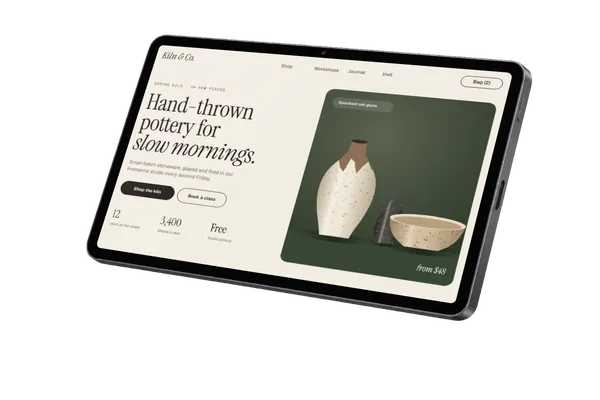
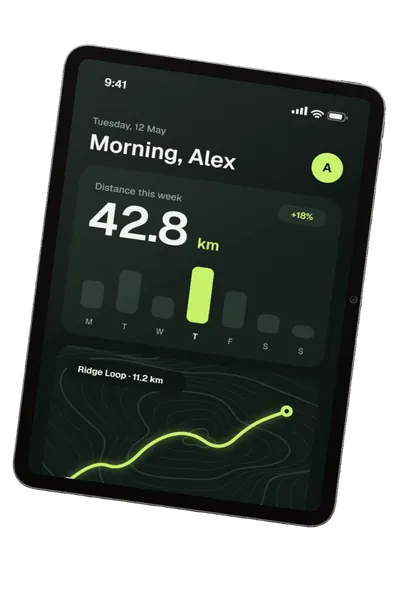
Transparent iPad mockups
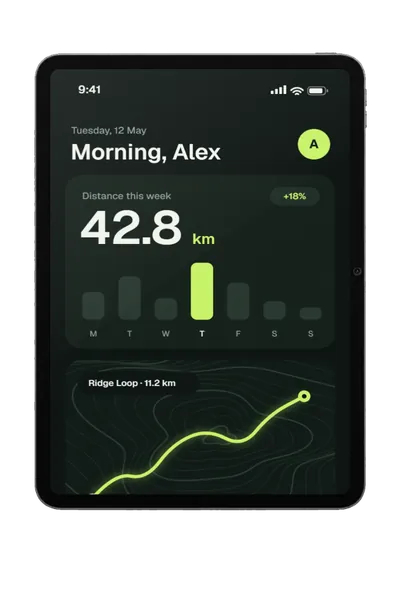
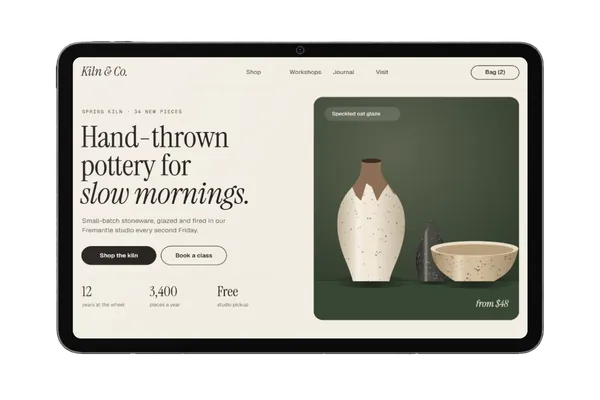
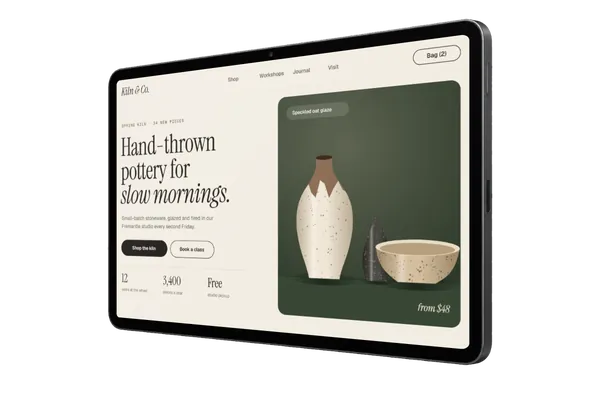
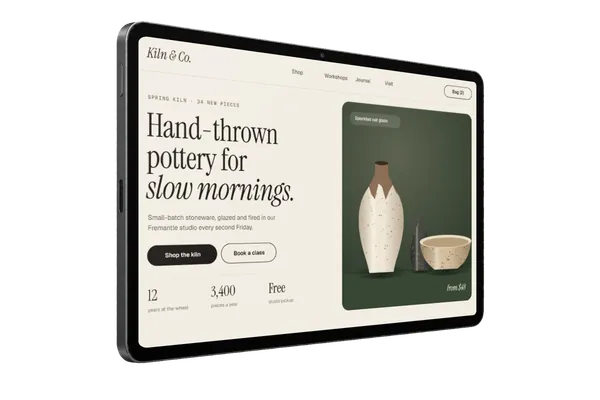
Just the iPad Pro on its own: 6 angles, in Space Black and Silver. Export a PNG or WebP and the background stays see-through, ready for an App Store page, a landing page or a slide. All transparent mockups →
iPad mockups in real scenes
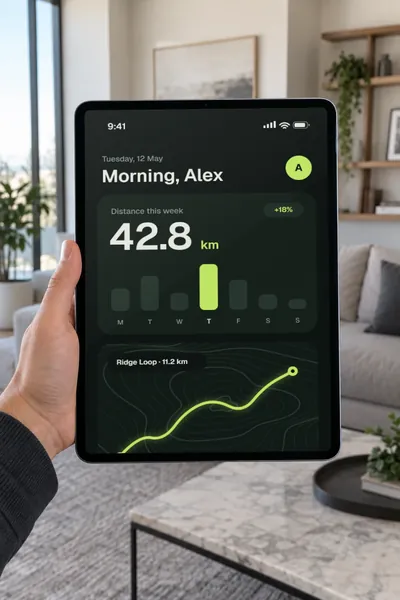
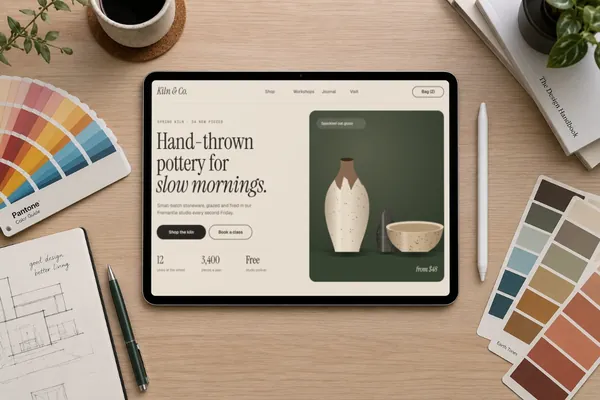
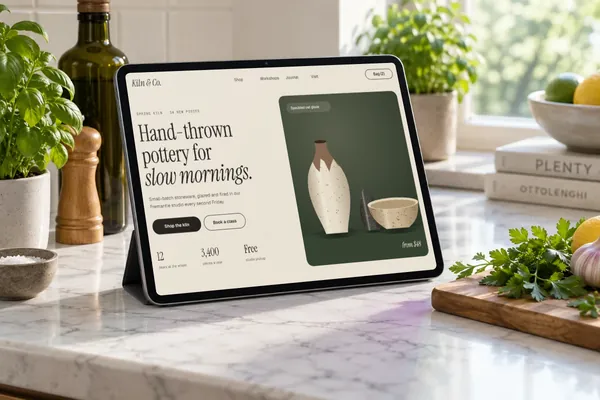
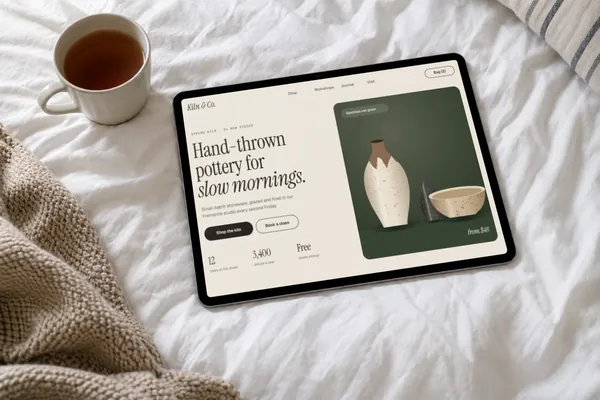
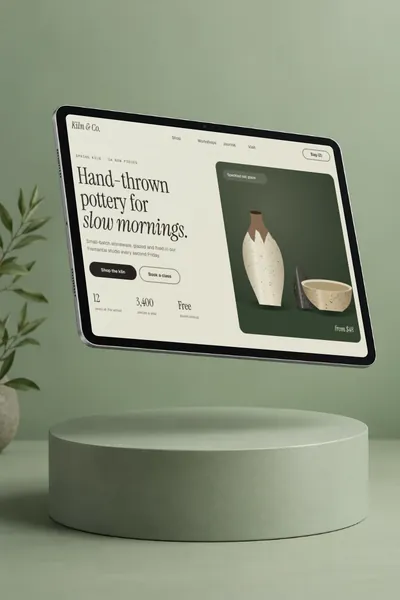
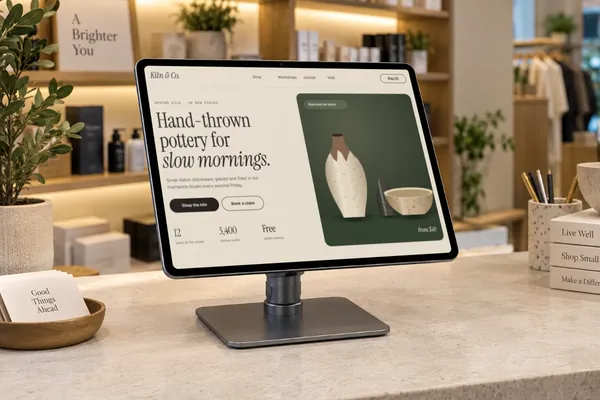
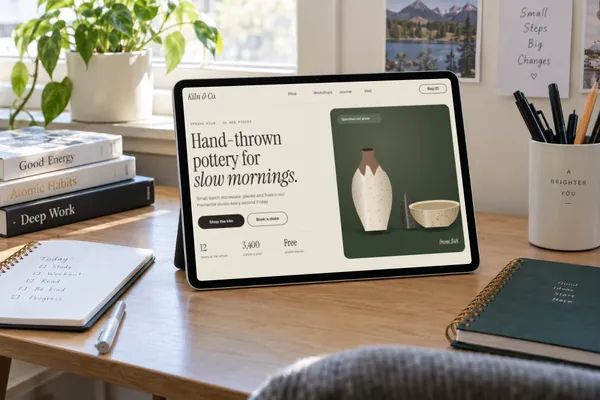
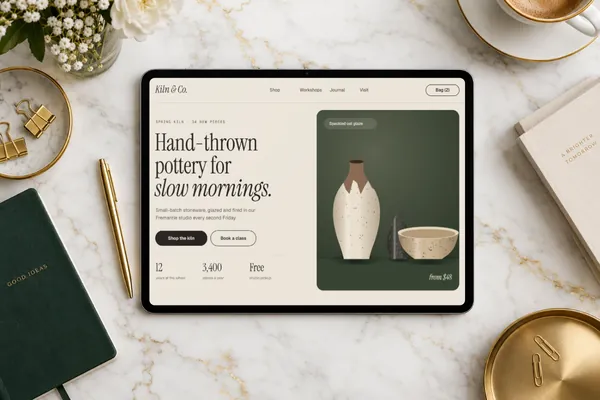
8 photorealistic scenes, each with its screen mapped in advance and the room’s light on it. Pick one and add your design.
iPad mockups in short
- DevicesiPad Pro
- Mockups8 in real scenes and 6 transparent, in Space Black and Silver
- PriceFree, including commercial use. No account, no watermark
- PrivacyYour screenshot never leaves your browser. Check it yourself
- ExportsJPG, PNG or WebP in three sizes, up to about 3,000 px; in the scene’s own shape or cropped for an Instagram post (4:5), a square, a story (9:16), a 16:9 slide, a link preview (1.91:1) or Dribbble (4:3)
About these mockups
Each scene is a photorealistic iPad Pro with the screen mapped in advance, in portrait or landscape, so your design sits on the glass at the right angle and in the scene’s light. Use them for app launches, menus and point-of-sale designs, case studies and pitch decks.
Screenshot sizes that fit
iPad screenshots such as 2048 × 2732, 2064 × 2752 or 1668 × 2388 fit exactly, in portrait or landscape. If a scene would crop your screenshot, Plinth tells you and says which scenes fit it.
How it works
- Pick a mockup above, or open Plinth and add your screenshot first.
- Drop, paste or choose your screenshot. It’s placed on the screen straight away, on your own device.
- Export a JPG, PNG or WebP, in the scene’s own shape or a social crop.
Questions
How do I make an iPad mockup?
Open Plinth, pick one of the 8 iPad scenes or the 6 transparent ones, and drop in your screenshot (or paste it). It’s placed on the screen straight away, at the right angle and in the scene’s light. Then export a JPG, PNG or WebP. It’s free, there’s no account, and your screenshot never leaves your browser.
Is this iPad mockup free for commercial use?
Yes. Every mockup and every export size is free, with no account and no watermark. The images you export are yours to use anywhere, including client work, ads and social posts, with no credit needed. Just don’t resell the blank mockup scenes themselves.
Portrait or landscape?
Both. Some scenes hold the iPad upright and some sideways, so pick one that matches your screenshot. If it would crop your design, Plinth says which scenes fit it.
Is my screenshot uploaded anywhere?
No. Plinth runs entirely in your browser: your screenshot is placed, rendered and exported on your own device and never sent to a server, so it’s safe for unreleased work and client projects.
Is there an iPad mockup with a transparent background?
Yes. The device-only iPad mockups show the device on its own, in Space Black and Silver. Export one as PNG or WebP and the background stays transparent, so you can place it on any colour or layout.
Don't see the device you need? Ask for it, or vote for what's made next.