Free iPhone Duo mockups
Show your app or website on the foldable iPhone Duo, closed or open: on its own with a transparent background, or held in the hand at a café or at work. Drop in your design and export in seconds.
Free · no sign-up · nothing uploaded
Transparent iPhone Duo mockups
Just the iPhone Duo on its own: 10 angles. Export a PNG or WebP and the background stays see-through, ready for an App Store page, a landing page or a slide. All transparent mockups →
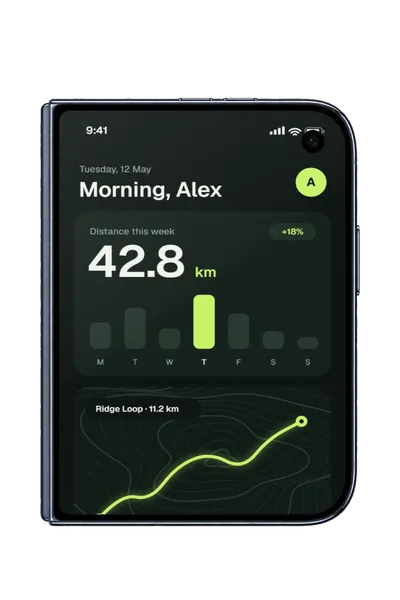
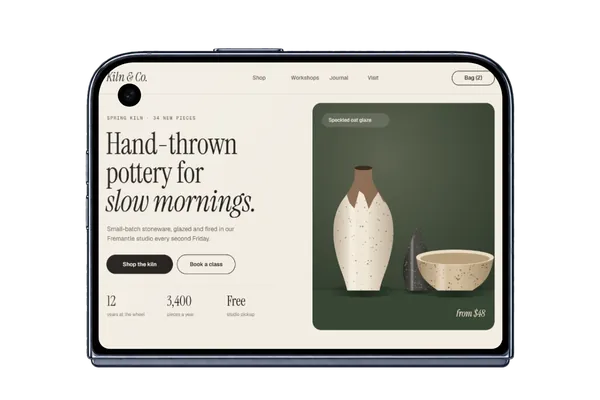
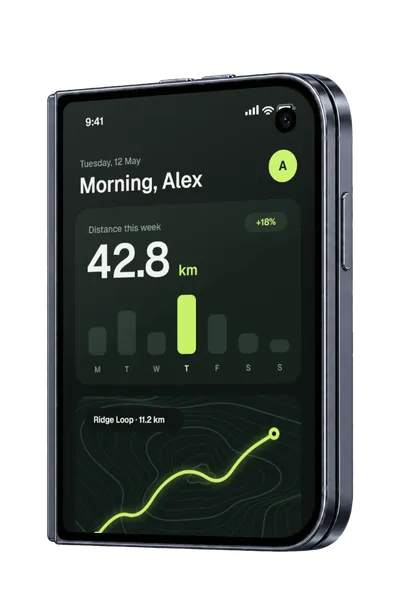
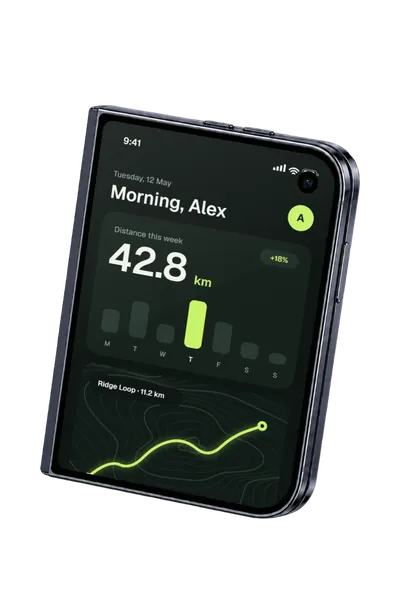
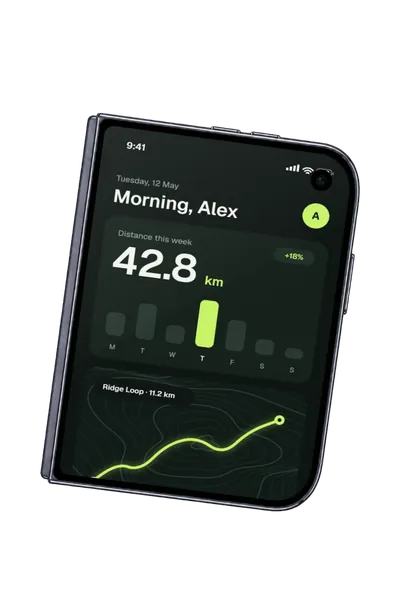
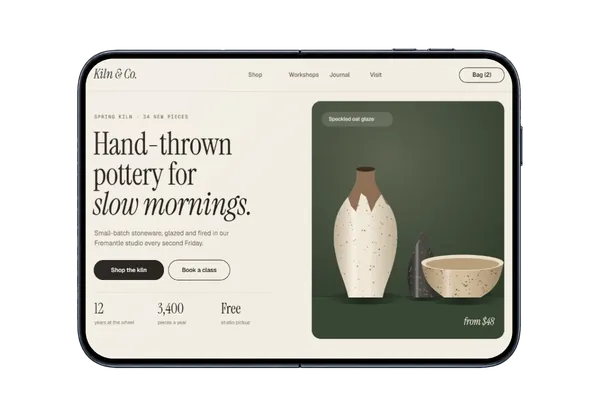
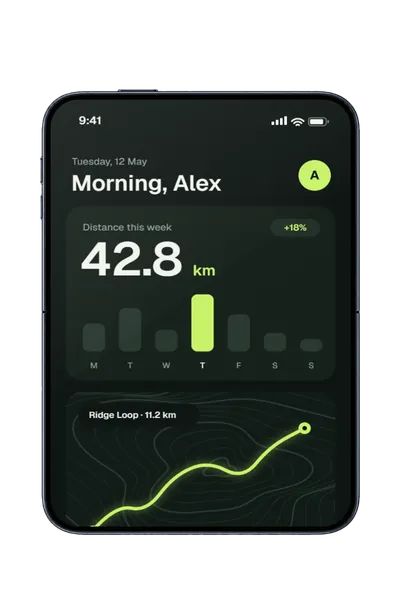
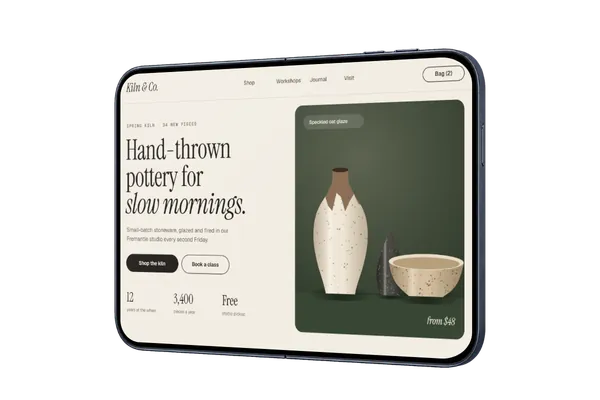
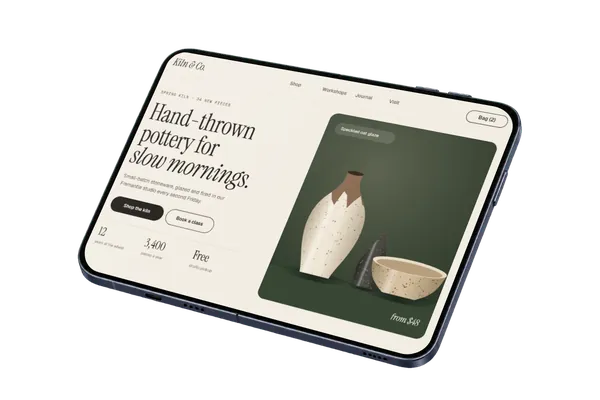
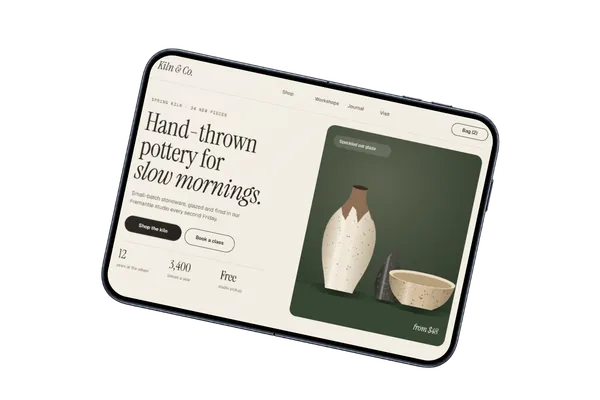
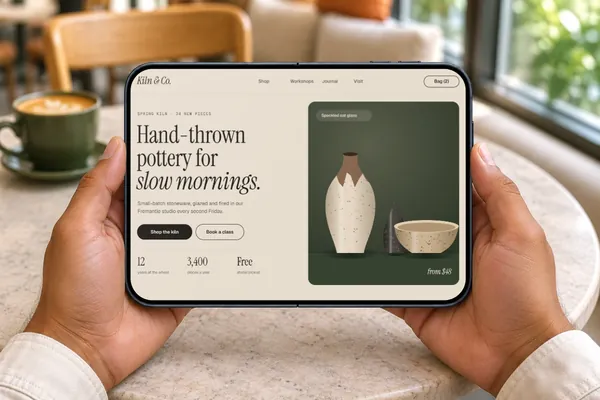
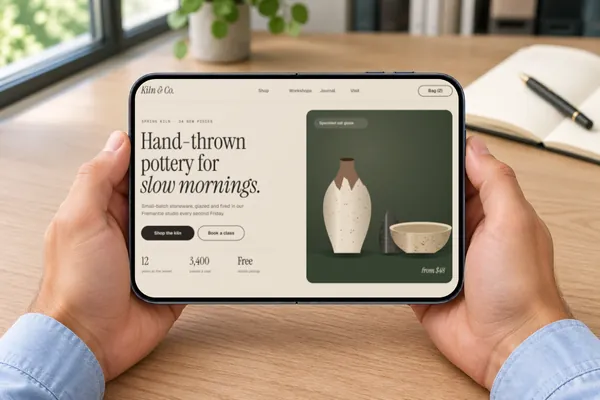
iPhone Duo mockups in real scenes
4 photorealistic scenes, each with its screen mapped in advance and the room’s light on it. Pick one and add your design.
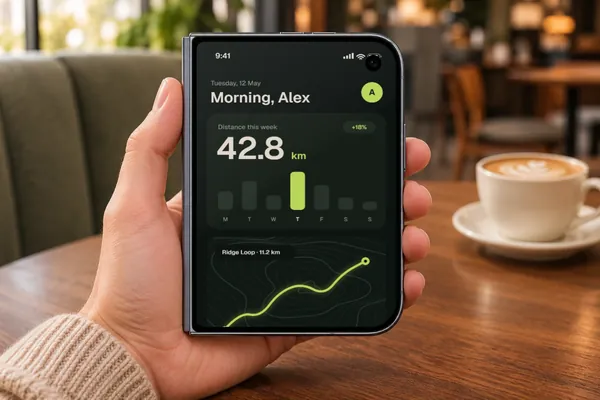
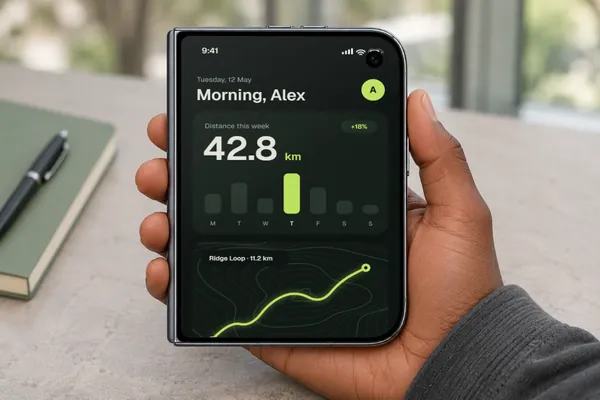
iPhone Duo mockups in short
- DevicesiPhone Duo
- Mockups4 in real scenes and 10 transparent
- PriceFree, including commercial use. No account, no watermark
- PrivacyYour screenshot never leaves your browser. Check it yourself
- ExportsJPG, PNG or WebP in three sizes, up to about 3,000 px; in the scene’s own shape or cropped for an Instagram post (4:5), a square, a story (9:16), a 16:9 slide, a link preview (1.91:1) or Dribbble (4:3)
About these mockups
The iPhone Duo is two screens to design for: a cover screen when it’s closed and a much wider one when it’s open. There are mockups of both, five transparent angles each plus scenes of it in use, in one hand when it’s closed and in two when it’s open. Each is mapped to the screen it shows, so your design sits on the glass at the right angle and in the scene’s light. Put a closed and an open mockup side by side to show how your app adapts when it unfolds, in launch posts, landing pages, pitch decks and portfolio case studies.
Screenshot sizes that fit
Closed, the cover screen is about 5:7, so a design at 1000 × 1400 fits it exactly. Open, the main screen is about 7:5 on its side, so 1400 × 1000 fits, and one open angle stands the phone upright for a 1000 × 1400 design. A 16:10 website screenshot such as 1440 × 900 works on the open screen with a little trimmed from its sides. A regular iPhone screenshot is narrower than either screen, so choose Fit inside to show it whole.
How it works
- Pick a mockup above, or open Plinth and add your screenshot first.
- Drop, paste or choose your screenshot. It’s placed on the screen straight away, on your own device.
- Export a JPG, PNG or WebP, in the scene’s own shape or a social crop.
Questions
How do I make an iPhone Duo mockup?
Open Plinth, pick one of the 4 iPhone Duo scenes or the 10 transparent ones, and drop in your screenshot (or paste it). It’s placed on the screen straight away, at the right angle and in the scene’s light. Then export a JPG, PNG or WebP. It’s free, there’s no account, and your screenshot never leaves your browser.
Is this iPhone Duo mockup free for commercial use?
Yes. Every mockup and every export size is free, with no account and no watermark. The images you export are yours to use anywhere, including client work, ads and social posts, with no credit needed. Just don’t resell the blank mockup scenes themselves.
Can I show it closed and open?
Yes. There are five transparent angles of each, and real scenes of each: closed in one hand, open in two. Export one of each to show the same app folded and unfolded.
What size should my design be?
About 5:7 for the closed cover screen, such as 1000 × 1400, and about 7:5 for the open screen, such as 1400 × 1000. Any size in those shapes works, so export your frame at whatever scale you like.
Can I use a regular iPhone screenshot?
Yes, though it’s narrower than either screen, so it fills the width and some of its height is cut off. Choose Fit inside to show it whole, or move and resize it until the right part is showing.
What colour is it?
The transparent mockups come in Night Sky. If you’d like another finish, ask for it on the requests board.
Is my design uploaded anywhere?
No. Plinth runs entirely in your browser: your design is placed, rendered and exported on your own device and never sent to a server, so it’s safe for unreleased work and client projects.
Is there an iPhone Duo mockup with a transparent background?
Yes. The device-only iPhone Duo mockups show the device on its own. Export one as PNG or WebP and the background stays transparent, so you can place it on any colour or layout.
Don't see the device you need? Ask for it, or vote for what's made next.